
|
Getting your Trinity Audio player ready...
|
What is Microsoft Surface Laptop Studio?
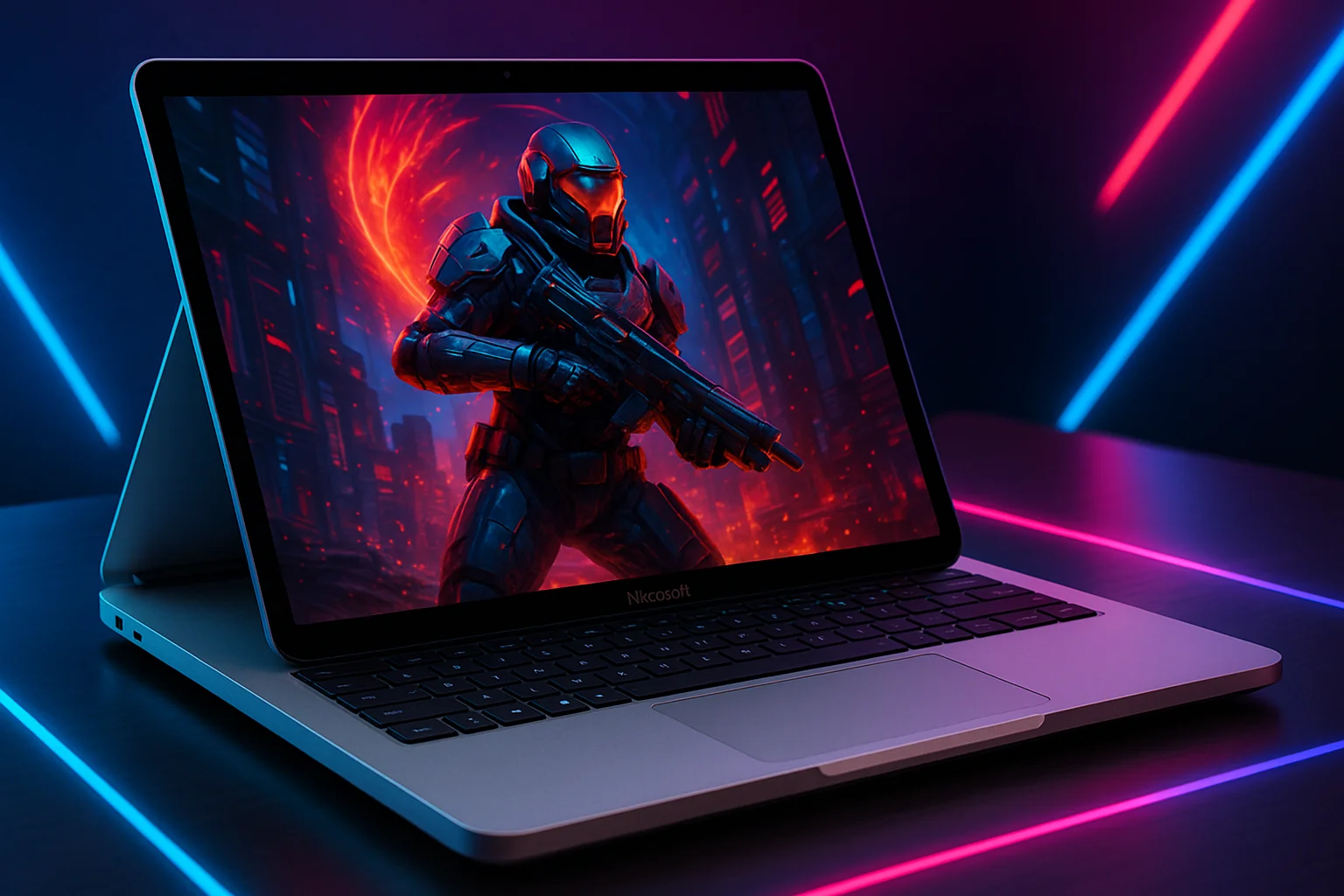
The Microsoft Surface Laptop Studio is one of the most innovative laptops designed for creators, professionals, students, and multitaskers who want a premium Windows device with top-tier performance. With a unique floating hinge, high-refresh display, and powerful internals, the Microsoft Surface Laptop Studio stands out as a versatile all-rounder laptop for design work, editing, productivity, and even light gaming. Its combination of build quality, performance, and flexibility makes the Microsoft Surface Laptop Studio a strong competitor in the premium laptop category.
Microsoft Surface Laptop Studio Display Quality
The display on the Microsoft Surface Laptop Studio is one of its biggest highlights. It features a stunning PixelSense touchscreen with high resolution and exceptional colour accuracy. Whether you’re editing photos, designing graphics, streaming, or working on documents, the display on the Microsoft Surface Laptop delivers sharp visuals with vibrant colours. Its 120Hz refresh rate adds extra smoothness, which is especially useful for scrolling, drawing with the Surface Slim Pen 2, and multitasking. The ultra-responsive panel enhances the productivity and entertainment experience across all use cases.
Microsoft Surface Laptop Studio Design and Build
The Microsoft Surface Laptop Studio comes with a premium magnesium-aluminium chassis that feels durable and professional. Its standout feature is the flexible hinge that allows you to transition between Laptop Mode, Stage Mode, and Studio Mode. This makes the Microsoft Surface Laptop extremely adaptable for creators who need a digital canvas, professionals who deliver presentations, and students who take handwritten notes. The build quality is robust, and the clean, minimal design reflects Microsoft’s signature aesthetic.

Microsoft Surface Laptop Studio Performance
Powered by Intel processors and dedicated NVIDIA graphics (in higher variants), the Microsoft Surface Laptop Studio provides smooth and stable performance for content creation, editing, software development, productivity, and everyday use. Whether you use Adobe Illustrator, Photoshop, Figma, AutoCAD, or video-editing tools, the Microsoft Surface Laptop Studio handles demanding tasks with ease. Multitasking is seamless because the laptop is optimized for high workloads without compromising battery life or thermals. For light-to-moderate gaming, the GPU inside the Microsoft Surface Laptop also performs well, especially for AAA games at lower settings.
Microsoft Surface Laptop Studio Keyboard and Touchpad
The typing experience on the Microsoft Surface Laptop Studio is comfortable, responsive, and ideal for long work sessions. Microsoft’s precision touchpad delivers smooth tracking, accurate gestures, and premium usability. For creators, the Microsoft Surface Laptop Studio becomes even more powerful when paired with the Surface Slim Pen 2. The pen magnetically attaches beneath the keyboard deck and charges wirelessly. Drawing, sketching, note-taking, and editing feel natural due to the haptic feedback system integrated specifically for the Microsoft Surface Laptop.
Specification Table for Microsoft Surface Laptop Studio
| Category | Specifications |
|---|---|
| Model | Microsoft Surface Laptop Studio |
| Display | 14.4-inch PixelSense Flow Touchscreen, 2400×1600 resolution, 120Hz refresh rate, Dolby Vision support |
| Processor (CPU) | Up to Intel Core i7 (11th/12th Gen depending on variant) |
| Graphics (GPU) | Intel Iris Xe (Base Model), NVIDIA GeForce RTX 3050 Ti (Higher Variant) |
| RAM | 16GB / 32GB LPDDR4x |
| Storage | 256GB / 512GB / 1TB / 2TB SSD |
| Operating System | Windows 11 Home / Pro |
| Design Modes | Laptop Mode, Stage Mode, Studio Mode |
| Stylus Support | Surface Slim Pen 2 (Magnetically attaches + wireless charging) |
| Keyboard | Full-size backlit keyboard |
| Touchpad | Precision haptic touchpad |
| Battery Life | 8–12 hours (varies by usage) |
| Ports | 2× USB-C Thunderbolt 4, 1× Surface Connect, 1× 3.5mm headphone jack |
| Connectivity | Wi-Fi 6, Bluetooth 5.1 |
| Speakers | Quad Omnisonic Speakers with Dolby Atmos |
| Webcam | 1080p Full HD front camera |
| Weight | Around 1.8 kg |
| Build Material | Magnesium-Aluminum Alloy |
| Special Features | Dynamic Woven Hinge, High color accuracy, Creator-focused design |
Microsoft Surface Laptop Studio Battery Life
Battery performance is another strong point of the Microsoft Surface Laptop . Depending on usage, the laptop can last anywhere from 8 to 12 hours, making it ideal for students, office users, and professionals who work on the go. The battery optimization is excellent, and the device maintains stable performance even on battery power. This makes the Microsoft Surface Laptop a powerful yet efficient machine suitable for full-day use.
Microsoft Surface Laptop Studio Connectivity and Ports
The Microsoft Surface Laptop Studio offers essential modern connectivity options, including USB-C Thunderbolt 4 ports, a Surface Connect port, and a headphone jack. While it lacks traditional USB-A ports, the Thunderbolt 4 support provides faster data transfer, external monitor compatibility, and support for powerful docking stations. For users who work in creative industries, connecting external 4K displays or storage devices to the Microsoft Surface Laptop Studio is seamless.
Microsoft Surface Laptop Studio for Creators
Creators love the Microsoft Surface Laptop Studio for its perfect combination of power, portability, and creativity-focused features. The Studio Mode transforms the laptop into a drawing tablet, ideal for illustrators, graphic designers, and digital artists. With its high-quality touchscreen, colour accuracy, and stylus support, the Microsoft Surface Laptop becomes a complete creative workstation, eliminating the need for an external drawing tablet. Video editors and photographers also benefit from the powerful GPU and high-resolution display offered by the Microsoft Surface Laptop .
Microsoft Surface Laptop for Students and Professionals
Students who need a powerful laptop for projects, online classes, research, and note-taking will appreciate the flexibility and performance of the Microsoft Surface Laptop Professionals in engineering, architecture, marketing, and creative industries benefit from its performance, battery life, and premium appeal. The versatility of the Microsoft Surface Laptop enhances productivity whether you’re in meetings, editing documents, designing slides, or creating visual content.

Is the Microsoft Surface Laptop Studio Worth Buying?
If you need a premium, powerful, flexible, and modern Windows laptop, the Microsoft Surface Laptop is an excellent choice. It is ideal for creators, designers, professionals, students, and anyone who values versatility. The combination of its premium display, high performance, unique hinge design, and stylus support makes the Microsoft Surface Laptop one of the most capable laptops available today.
Final Verdict on Microsoft Surface Laptop Studio
The Microsoft Surface Laptop Studio stands out as a flagship Windows device offering exceptional flexibility, power, and display quality. With its innovative design, creative features, strong performance, and impressive battery life, it is a reliable option for anyone who wants a premium laptop for work, creation, or entertainment. Overall, the Microsoft Surface Laptop Studio delivers outstanding value and remains one of the top recommendations in the premium laptop segment.