
|
Getting your Trinity Audio player ready...
|
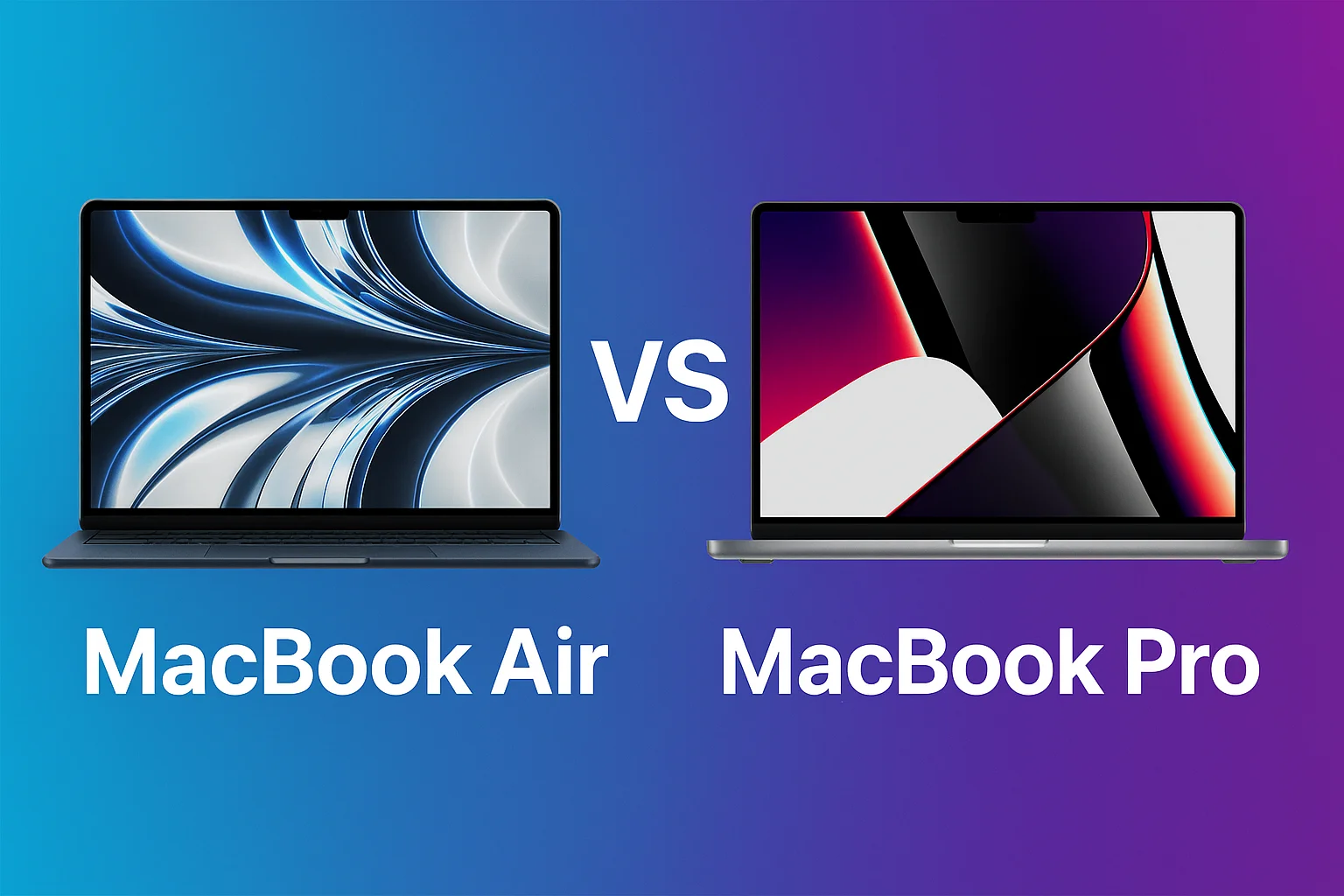
Choosing between the MacBook Air vs MacBook Pro is one of the most common questions for students, professionals, content creators, and everyday users. Apple now offers multiple versions of both models with powerful M-series chips, making the decision more confusing than ever. In this detailed guide, we break down the MacBook Air vs MacBook Pro differences to help you choose the right device based on performance, design, display, battery life, pricing, and overall value.
MacBook Air vs MacBook Pro: Performance Comparison
When comparing MacBook Air vs MacBook Pro, performance is usually the biggest deciding factor. The MacBook Air comes with M2 or M3 chips, offering strong everyday performance but without a fan. This fanless design keeps the laptop silent but limits continuous heavy workloads. In contrast, the MacBook Pro with the M3 Pro or M3 Max chips offers significantly higher performance and sustained power thanks to active cooling. If you edit videos, code heavy applications, work with 3D rendering, or run high-end creative software, the MacBook Air vs MacBook Pro comparison clearly favors the Pro model. For office use, browsing, Netflix, productivity, and light editing, the MacBook Air performs more than enough.
MacBook Air vs MacBook Pro: Design & Portability
One of the biggest strengths of the MacBook Air vs MacBook Pro comparison is portability. The MacBook Air is ultra-slim, lightweight, and easy to carry, making it perfect for students and travelers. The MacBook Pro is slightly thicker and heavier due to its advanced cooling and bigger batteries. If you want the lightest possible laptop that still offers great performance, the MacBook Air wins. But if you want a durable, premium-feeling machine with better speakers and more cooling, the MacBook Pro remains the superior choice.
MacBook Air vs MacBook Pro – Detailed Comparison Table
| Feature | MacBook Air (M2/M3) | MacBook Pro (M3/M3 Pro/M3 Max) |
|---|---|---|
| Design | Ultra-light, fanless, slim | Slightly heavier, premium build, active cooling |
| Performance | Great for daily tasks, light editing | Best for video editing, coding, 3D work, pro tasks |
| Display | Liquid Retina IPS | XDR Mini-LED with 120Hz ProMotion |
| Battery Life | Excellent for regular users | Strong but varies with heavy workloads |
| Port Selection | 2 Thunderbolt ports | 3 Thunderbolt ports + HDMI + SD card |
| Thermals | Fanless, silent but limited under heavy load | Active cooling allows sustained performance |
| Best For | Students, office work, casual creators | Professionals, creators, editors, developers |
| Price Range | Budget-friendly | Premium category |
MacBook Air vs MacBook Pro: Display Quality
The MacBook Air vs MacBook Pro difference becomes very noticeable when looking at display quality. The MacBook Air uses a Liquid Retina IPS display, which is sharp and color-accurate. However, the MacBook Pro features a Liquid Retina XDR Mini-LED display with extreme brightness, deeper blacks, and ProMotion 120Hz smoothness. For graphics professionals, content creators, and video editors, the MacBook Pro screen offers a dramatically better visual experience. For everyday users, the MacBook Air screen is more than enough.
MacBook Air vs MacBook Pro: Battery Life
Battery life plays a major role when choosing between MacBook Air vs MacBook Pro. Surprisingly, both models deliver excellent battery performance thanks to Apple’s M-series efficiency. The MacBook Air usually lasts slightly longer in normal use because of its fanless design and lower-powered chip. The MacBook Pro offers bigger battery capacity, but its higher performance reduces overall battery duration in heavy workloads. If long battery backup is your top priority, the MacBook Air gives outstanding all-day performance. For mixed heavy and light use, the MacBook Pro still delivers strong results.
MacBook Air vs MacBook Pro: Price Comparison
When comparing price in the MacBook Air vs MacBook Pro debate, the MacBook Air is the more budget-friendly option. It is designed for students, beginners, office users, and casual creators who need performance without overspending. The MacBook Pro is targeted toward professionals who need maximum power, advanced graphics, and a superior display. If you want the best value, MacBook Air wins. If you want maximum performance and you use heavy apps, MacBook Pro is the better long-term investment.

MacBook Air vs MacBook Pro: Who Should Buy What?
The MacBook Air vs MacBook Pro choice depends entirely on your usage requirements. Choose the MacBook Air if you are a student, everyday user, blogger, office worker, or business professional who needs a lightweight, fast, efficient laptop. Choose the MacBook Pro if you are a filmmaker, video editor, developer, designer, 3D artist, or a power user who spends hours running demanding applications. The MacBook Pro offers more ports, better performance, and a superior display—it is built for creators.
MacBook Air vs MacBook Pro: Final Verdict
The final verdict in the MacBook Air vs MacBook Pro comparison is simple: the MacBook Air offers the best mix of portability, battery life, and value, while the MacBook Pro remains the performance king for professionals. Choosing between MacBook Air vs MacBook Pro depends on your work style—light to moderate tasks favor the Air, while heavy editing, programming, and productivity workloads favor the Pro.