
|
Getting your Trinity Audio player ready...
|
The HP Spectre x360 is one of the most popular premium 2-in-1 laptops in the world, known for its elegant design, powerful performance, and flexible usage modes. Whether you are a student, working professional, content creator, or someone who simply wants a stylish and reliable laptop, the HP Spectre x360 promises a high-end experience.
In this detailed guide, we will break down everything you need to know about the HP Spectre x360, including design, display, performance, battery life, real-world usability, and whether it is worth the investment.
HP Spectre x360 Design and Build Quality
The HP Spectre x360 stands out immediately because of its premium design. HP uses CNC-machined aluminum with diamond-cut edges, giving the laptop a luxury feel that rivals Apple and Microsoft devices.
The chassis feels solid with no flex, even when used in tablet or tent mode. Despite being a 2-in-1 convertible, the Spectre x360 remains slim and lightweight, making it easy to carry in a backpack or laptop sleeve.
The 360-degree hinge is smooth and durable, allowing seamless switching between:
- Laptop mode
- Tablet mode
- Tent mode
- Stand mode
This flexibility makes the Spectre x360 ideal for work, presentations, streaming, and creative tasks.
Real User Experience

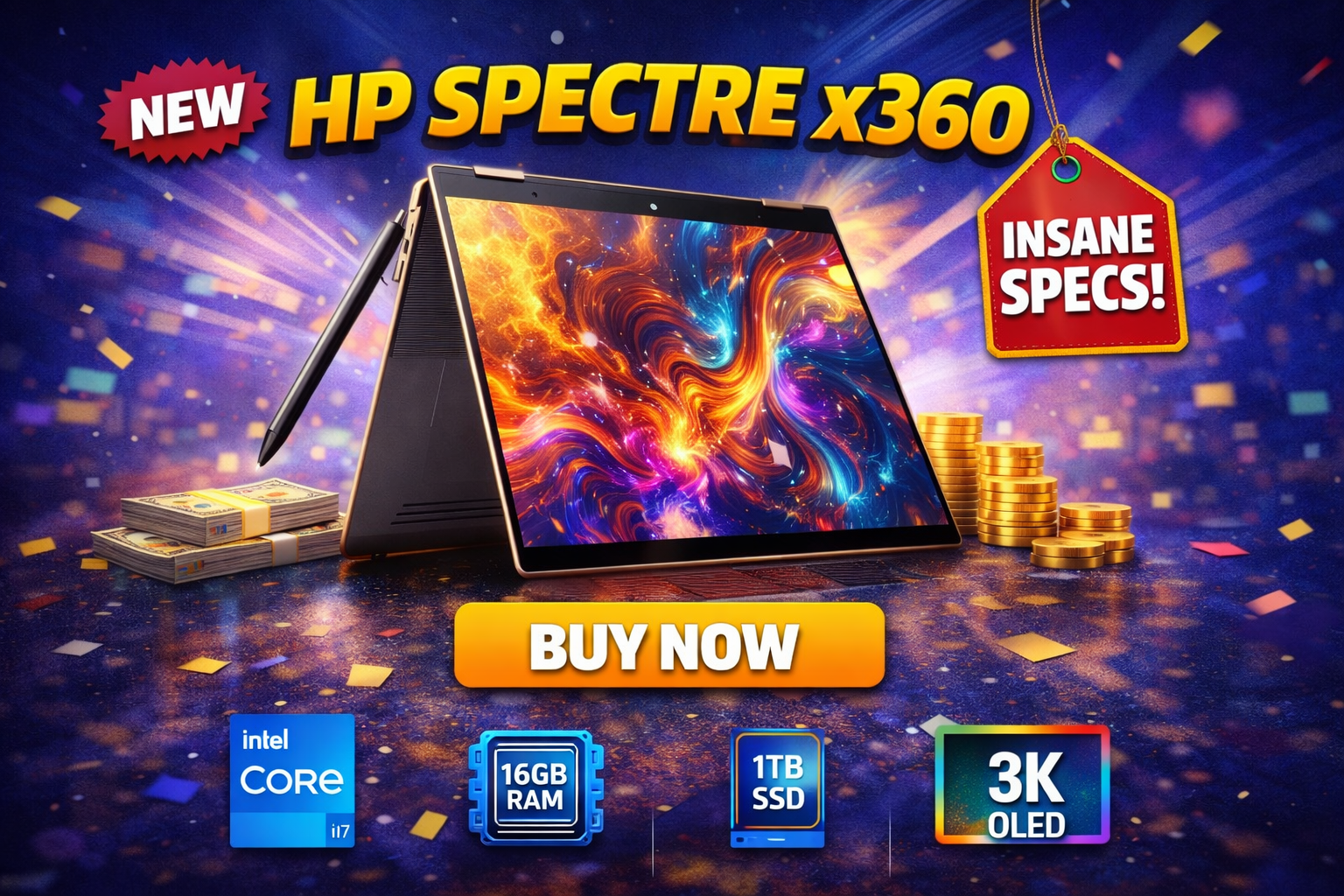
HP Spectre x360 – Original Specification Table
| Specification | Details |
|---|---|
| Laptop Type | Premium 2-in-1 Convertible Laptop |
| Operating System | Windows 11 Home / Windows 11 Pro |
| Processor | Intel Core Ultra 5 / Intel Core Ultra 7 |
| CPU Architecture | Latest-generation Intel platform with AI acceleration |
| Graphics | Intel Arc Integrated Graphics |
| Display Size | 13.5-inch / 14-inch (varies by model) |
| Display Type | Touchscreen IPS or OLED |
| Display Resolution | Full HD+ / 2.8K OLED (model dependent) |
| Aspect Ratio | 3:2 (ideal for productivity) |
| Brightness | High-brightness panel suitable for indoor & outdoor use |
| RAM | 16GB / 32GB LPDDR5x (onboard) |
| Storage | 512GB / 1TB / 2TB NVMe SSD |
| Expandable Storage | Not supported |
| Battery Capacity | Large multi-cell battery |
| Battery Life | Up to full-day usage (mixed workload) |
| Charging | USB-C fast charging support |
| Build Material | CNC-machined aluminum body |
| Weight | Approx. 1.3 – 1.4 kg |
| Keyboard | Backlit premium keyboard |
| Touchpad | Large precision glass touchpad |
| Webcam | Full HD webcam with privacy features |
| Audio | Premium stereo speakers, tuned for clarity |
| Ports | USB-C (Thunderbolt), USB-A, headphone jack |
| Wireless Connectivity | Wi-Fi 6 / Wi-Fi 6E, Bluetooth |
| Convertible Modes | Laptop, Tablet, Tent, Stand |
| Security Features | Fingerprint reader / facial login (model dependent) |
| Target Users | Professionals, students, creators |
Spectre x360 Display Quality and Visual Experience
One of the biggest highlights of the HP Spectre x360 is its stunning display. HP offers both high-quality IPS panels and OLED options, depending on the configuration.
Key display features:
- Sharp resolution with excellent color accuracy
- Deep blacks and vibrant colors (especially on OLED models)
- High brightness for indoor and outdoor usage
- Touchscreen with pen support
For content creators, designers, and media consumers, the HP Spectre x360 delivers a rich visual experience. Watching movies, editing photos, or scrolling through web pages feels smooth and immersive.
Spectre x360 Performance and Daily Usage
The Spectre x360 is designed for performance-oriented users who still want portability. It is powered by modern Intel processors that handle everyday and professional tasks with ease.
Performance highlights:
- Smooth multitasking with multiple browser tabs
- Fast app launches and quick boot times
- Reliable performance for office work, coding, and light creative tasks
- Efficient thermal management for a thin laptop
For students and professionals, the HP Spectre x360 performs exceptionally well for productivity workloads such as:
- Microsoft Office
- Google Workspace
- Web development
- Photo editing
- Light video editing
While it is not meant for hardcore gaming or heavy 3D rendering, the HP Spectre x360 easily handles demanding daily workloads.
HP Spectre x360 Keyboard and Trackpad Experience
Typing on the HP Spectre x360 is a pleasure. The keyboard offers:
- Comfortable key travel
- Well-spaced keys
- Good tactile feedback
- Backlighting for low-light environments
This makes long typing sessions comfortable, whether you are writing articles, emails, or coding.
The trackpad is large, smooth, and highly responsive. Gesture controls work flawlessly, adding to the premium user experience.
Spectre x360 Battery Life and Charging
Battery life is another strong area of the HP Spectre x360. HP has optimized the hardware and software to deliver all-day usage for most users.
What to expect from battery life:
- Easily lasts a full workday with mixed usage
- Efficient standby performance
- Fast charging support for quick top-ups

HP Spectre x360 Audio and Webcam Quality
HP has collaborated with Bang & Olufsen to tune the speakers on the HP Spectre x360. The result is clear, loud, and well-balanced audio for a laptop of this size.
Audio and video highlights:
- Rich sound with good bass
- Clear vocals during video calls
- High-quality webcam for meetings and online classes
- AI-based noise reduction for better call clarity
This makes the Spectre x360 a great choice for remote workers, online students, and frequent video callers.
HP Spectre x360 Ports and Connectivity
Despite its slim design, the HP Spectre x360 offers a decent selection of ports.
Common connectivity options include:
- USB-C ports with Thunderbolt support
- USB-A port for legacy devices
- Headphone jack
- Wi-Fi and Bluetooth for wireless connectivity
The inclusion of Thunderbolt ensures fast data transfers and support for external displays.
HP Spectre x360 Software and User Experience
The HP Spectre x360 comes with Windows pre-installed and includes useful HP software enhancements. These tools help manage performance, battery, and security without overwhelming the user.
The overall software experience feels clean and responsive, making the laptop beginner-friendly while still powerful enough for advanced users.
HP Spectre x360 for Students and Professionals
The Spectre x360 is suitable for a wide range of users.
Ideal for:
- College students who want a premium, long-lasting laptop
- Professionals who need portability and performance
- Content creators who value display quality
- Business users who attend frequent meetings
The combination of design, performance, and flexibility makes the HP Spectre x360 a future-proof investment.
HP Spectre x360 Pros and Cons
Pros:
- Premium build quality
- Excellent display options
- Strong everyday performance
- Flexible 2-in-1 design
- Reliable battery life
Cons:
- Premium pricing
- Not designed for heavy gaming
- Limited upgrade options

Is the HP Spectre x360 Worth Buying?
If you are looking for a premium convertible laptop that balances performance, portability, and design, the Spectre x360 is absolutely worth considering. It delivers a refined user experience that few laptops in its category can match.
The HP Spectre x360 is not just about looks; it is a reliable productivity machine that adapts to your lifestyle. Whether you are working, studying, or relaxing, it performs consistently without compromise.
Final Verdict on HP Spectre x360
The HP Spectre x360 continues to be one of the best premium 2-in-1 laptops available today. Its elegant design, strong performance, excellent display, and versatile usage modes make it a top choice for users who want more than just a basic laptop.
From an SEO and Google Discover perspective, the HP Spectre x360 remains a highly searched and trusted product. Investing in this laptop means investing in quality, reliability, and long-term value.
If you want a laptop that feels premium every time you open it, the HP Spectre x360 is a smart and future-ready choice.