
|
Getting your Trinity Audio player ready...
|
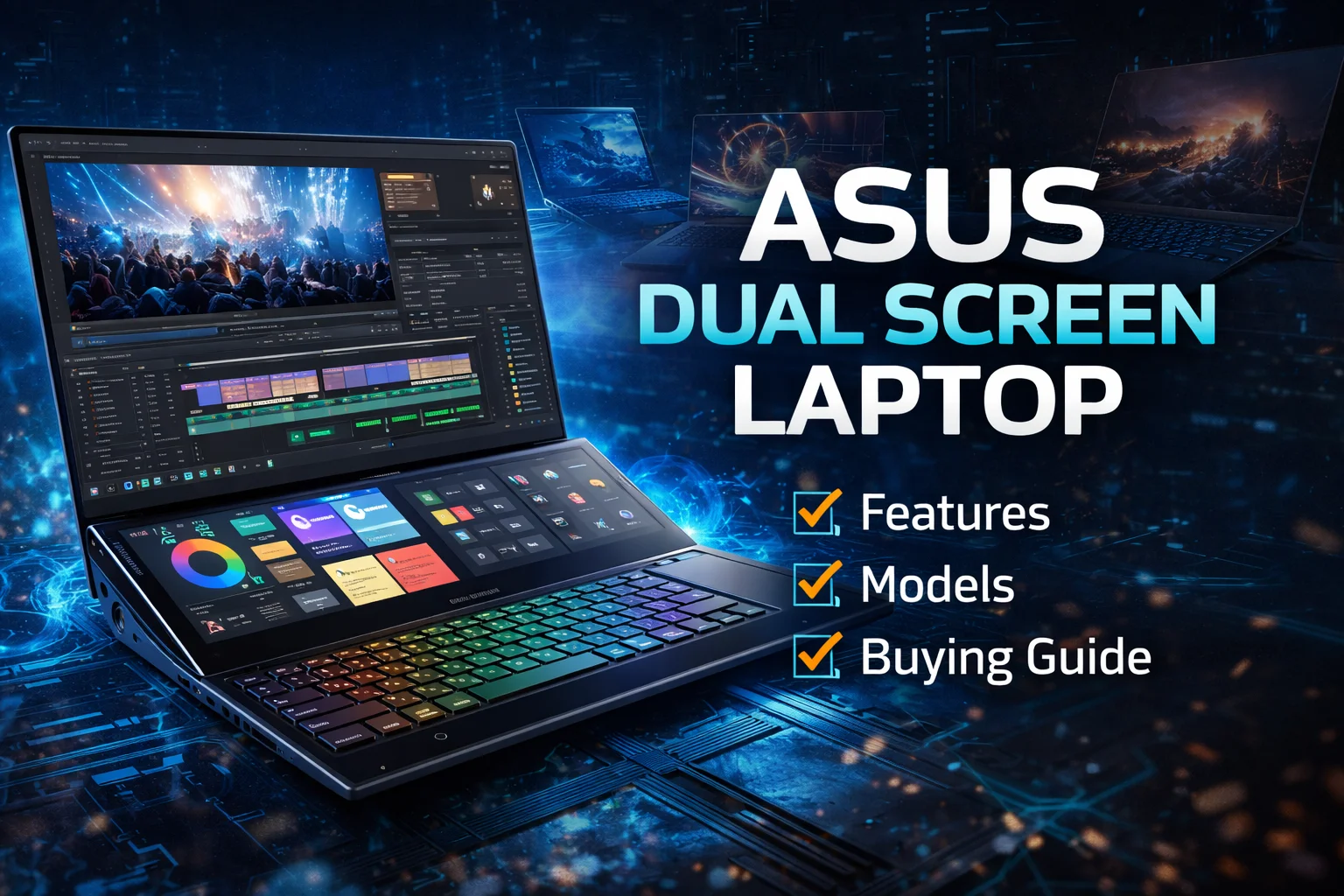
Laptops are evolving fast, and ASUS is one of the brands leading this change. One of its most innovative ideas is the ASUS dual screen laptop. Instead of using just one display, these laptops come with two screens, helping users work faster, multitask better, and stay more productive.
In this article, you’ll learn what an ASUS dual screen laptop is, how it works, its benefits, drawbacks, best models, who should buy it, and whether it’s worth the money. Everything is explained in simple language, even if you’re new to tech.
What Is an ASUS Dual Screen Laptop?
An ASUS dual screen laptop is a laptop that includes two displays instead of one. The main screen works like a normal laptop display, while the second screen (called ScreenPad Plus) is placed above the keyboard or replaces the touchpad area.
This second screen can be used for:
- Multitasking
- Running apps side by side
- Editing tools
- Notes, chats, or previews
ASUS designed these laptops mainly for creators, professionals, and power users, but even students and office users can benefit.
How ASUS Dual Screen Technology Works
ASUS uses a smart software system that allows both screens to work together smoothly.
Key features include:
- Drag and drop apps between screens
- App switcher to move windows quickly
- Multi-task groups (open multiple apps at once)
- Touch and stylus support on the second screen
The experience feels natural, not confusing. After a few hours of use, most users feel comfortable with it.
Popular ASUS Dual Screen Laptop Models
ASUS has launched several dual-screen laptops under different series. Some well-known examples include:
Each model targets a different type of user, which we’ll discuss later.
ASUS Dual Screen Laptop for Productivity Users
If you do office work, writing, research, coding, or spreadsheets, an asus dual screen laptop can save a lot of time.
Benefits for productivity:
- Keep emails or chat apps on the second screen
- Use the main screen for focused work
- Compare documents side by side
- Take notes while attending online meetings
For people who work long hours on a laptop, dual screens reduce alt-tab switching and help maintain focus.

ASUS Dual Screen Laptop for Content Creators
Content creators are one of the biggest beneficiaries of an asus dual screen laptop.
Ideal for:
- Video editors
- Photo editors
- Graphic designers
- Music producers
The second screen can show:
- Timeline in video editing
- Toolbars in Photoshop
- Color grading controls
- Music tracks and mixers
This setup feels closer to a desktop workstation, but in a portable form.
ASUS Dual Screen Laptop for Students
Students may not be the main target audience, but many still find value.
Useful for:
- Online classes
- Research and assignments
- Coding practice
- Presentations
You can attend a class on the main screen while taking notes on the second screen. This makes learning more interactive and organized.
ASUS Dual Screen Laptop for Gaming
Gaming dual-screen laptops are rare, but ASUS made it possible with models like the ROG Zephyrus Duo.
In gaming:
- Main screen → gameplay
- Second screen → chat, map, stats, streaming tools
Streamers benefit the most because they can manage OBS, chats, and controls without disturbing the game.
Advantages of ASUS Dual Screen Laptop
Here are the main advantages of using an asus dual screen laptop:
1. Better Multitasking
You can do more work in less time without constantly switching windows.
2. Increased Productivity
Two screens help you stay focused and organized.
3. Professional-Level Workflow
Perfect for creators who need tool panels and previews.
4. Portable Dual Monitor Setup
No need to carry an external monitor.
5. Premium Build Quality
ASUS usually uses high-quality materials and displays.
Disadvantages of ASUS Dual Screen Laptop
While impressive, dual screen laptops are not perfect.
1. Higher Price
An asus dual screen laptop is more expensive than normal laptops.
2. Learning Curve
New users may need a few days to adjust.
3. Battery Life
Two screens consume more power.
4. Slightly Heavier
Extra hardware adds weight.
These drawbacks are important to consider before buying.
ASUS Dual Screen Laptop – Specification Comparison Table
| Specification | ASUS ZenBook Duo 14 | ASUS ZenBook Pro Duo 15 | ASUS ROG Zephyrus Duo 16 |
|---|---|---|---|
| Display (Primary) | 14″ Full HD (1920×1080) | 15.6″ 4K OLED | 16″ WQXGA / QHD |
| Secondary Display | 12.65″ ScreenPad Plus | 14″ ScreenPad Plus | 14.1″ ScreenPad Plus |
| Processor (CPU) | Intel Core i7 | Intel Core i9 | AMD Ryzen 9 |
| Graphics (GPU) | NVIDIA GeForce MX450 | NVIDIA GeForce RTX 3070 | NVIDIA GeForce RTX 4080 |
| RAM | 16GB / 32GB | 32GB / 64GB | 16GB / 32GB / 64GB |
| Storage | 512GB / 1TB SSD | 1TB / 2TB SSD | 1TB / 2TB SSD |
| Refresh Rate | 60Hz | 60Hz | 165Hz |
| Battery Life | Up to 9 hrs | Up to 7 hrs | Up to 6 hrs |
| Keyboard | Island keyboard | Full-size keyboard | Per-Key RGB gaming keyboard |
| Webcam | HD with IR | HD with IR | 1080p |
| Audio | Harman Kardon | Harman Kardon | Dolby Atmos |
| Ports | USB-C, USB-A, HDMI | Thunderbolt 4, USB-A, HDMI | USB-C, USB-A, HDMI, Ethernet |
| Weight | ~1.6 kg | ~2.4 kg | ~2.5 kg |
| Best For | Productivity & multitasking | Creators & professionals | Gaming + content creation |
ASUS Dual Screen Laptop Battery and Performance
Performance is usually top-class because ASUS equips these laptops with:
- Intel Core i7 / i9 or AMD Ryzen processors
- High-speed SSD storage
- Dedicated NVIDIA graphics (on premium models)
Battery life varies:
- Light usage: 6–8 hours
- Heavy multitasking: 4–6 hours
For best experience, dual screen laptops are ideal when used plugged in during heavy tasks.
Who Should Buy an ASUS Dual Screen Laptop?
You should consider an asus dual screen laptop if you are:
- A content creator
- A professional multitasker
- A software developer
- A streamer or advanced gamer
- Someone who replaces a desktop with a laptop
You may skip it if you:
- Only browse the web
- Use a laptop for basic typing
- Have a very tight budget
ASUS Dual Screen Laptop vs Normal Laptop
| Feature | Dual Screen Laptop | Normal Laptop |
|---|---|---|
| Screens | Two | One |
| Multitasking | Excellent | Limited |
| Price | Higher | Affordable |
| Productivity | Very High | Moderate |
| Learning Curve | Slight | None |
For power users, the dual screen wins easily.
Tips Before Buying an ASUS Dual Screen Laptop
Before you buy:
- Check screen size and resolution
- Look at battery expectations
- Decide if you really need two screens
- Compare with a normal high-end laptop
- Read long-term user reviews
This ensures you make a smart decision.
Final Verdict: ASUS Dual Screen Laptop
The ASUS dual screen laptop is one of the most innovative laptop concepts available today. It offers true multitasking, professional-level productivity, and a premium experience.
If your work involves multiple apps, timelines, tools, or windows, this laptop can genuinely change how you work. For the right user, it’s not just worth it—it’s a game changer.