
|
Getting your Trinity Audio player ready...
|
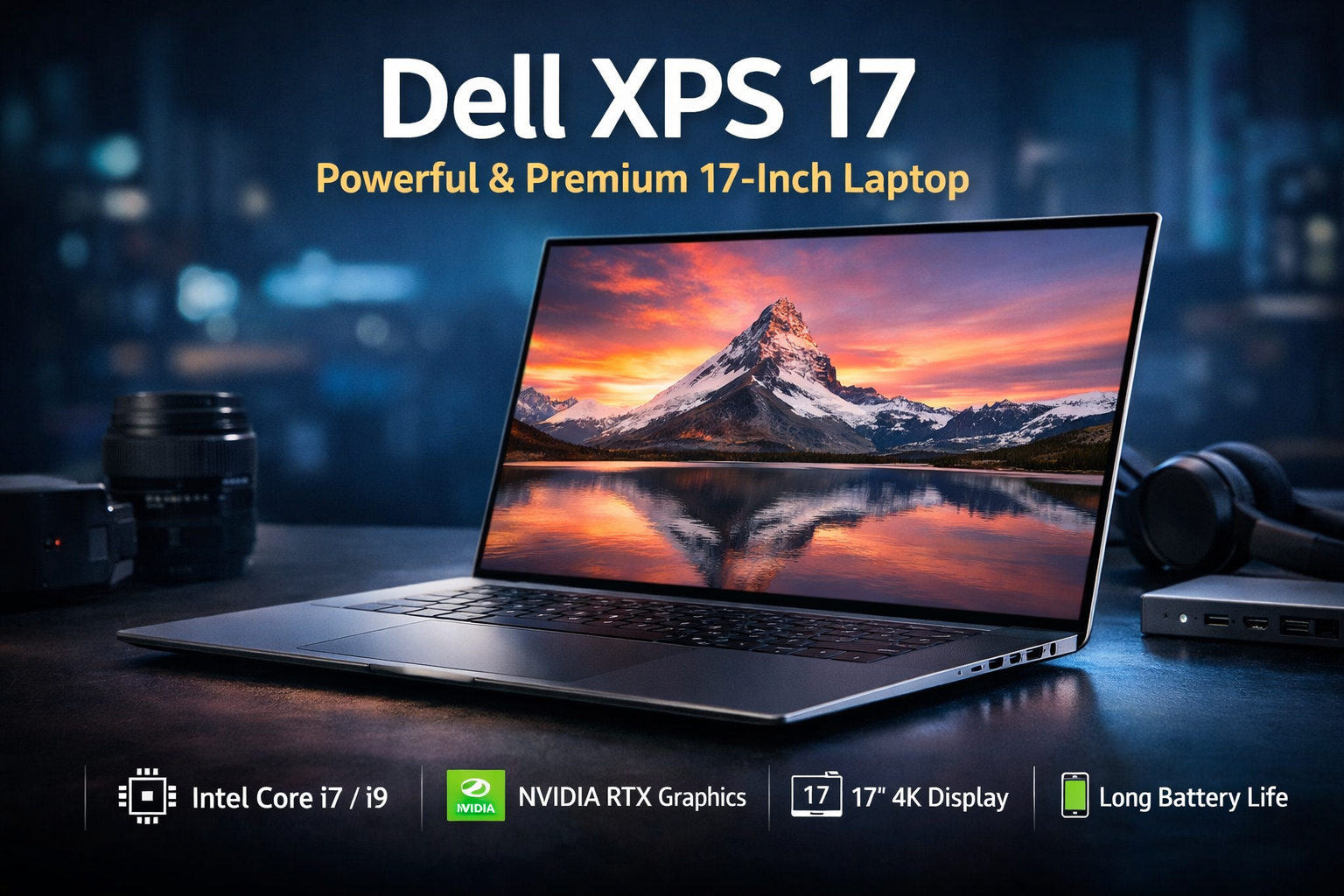
If you want a big-screen laptop that feels premium, performs like a workstation, and still looks elegant, the dell xps 17 is one of the strongest options in the Windows laptop market. It is designed for professionals, creators, developers, and users who need serious power in a clean and modern form factor.
In this detailed review, we’ll break down everything you need to know about the dell xps 17—from design and display to performance, gaming, cooling, and battery life—using simple, easy-to-understand language.
Dell XPS 17 Overview
The dell xps 17 is part of Dell’s premium XPS lineup, known for high build quality and reliable performance. This laptop is built for users who want desktop-level power in a portable machine.
It comes with:
- Large 17-inch display with thin bezels
- High-performance Intel processors
- Dedicated NVIDIA graphics options
- Premium materials and modern design
Despite the large screen, Dell has managed to keep the laptop relatively slim and professional-looking.
Dell XPS 17 Specifications
| Category | Specification |
|---|---|
| Model Name | Dell XPS 17 (9700 / 9710 / 9720 / Latest) |
| Processor (CPU) | Intel Core i7 / Intel Core i9 (11th–13th Gen / latest options) |
| Graphics (GPU) | NVIDIA GeForce RTX 3050 / RTX 3050 Ti / RTX 3060 (Varies by model) |
| Display Size | 17.0-inch |
| Display Resolution | Full HD+ (1920 x 1200) / UHD+ (3840 x 2400) |
| Display Type | IPS / Touch (UHD+ optional) |
| Aspect Ratio | 16:10 |
| Color Coverage | 100% sRGB (FHD+) / 100% Adobe RGB / DCI-P3 (UHD+) |
| RAM (Memory) | 16GB / 32GB / 64GB LPDDR4x |
| Storage (SSD) | 512GB / 1TB / 2TB NVMe PCIe SSD |
| Operating System | Windows 11 Home / Pro |
| Wireless Connectivity | Wi-Fi 6 / Bluetooth 5.1 |
| Ports | 3 × Thunderbolt 4 (USB-C) with Power Delivery & DisplayPort |
| Audio | Quad Speakers with Waves MaxxAudio Pro |
| Webcam | 720p IR or Standard HD |
| Keyboard | Backlit Chiclet Keyboard |
| Trackpad | Large Precision Glass Trackpad |
| Battery | 6-Cell Li-ion (86 Wh) |
| Security | Fingerprint Reader (Power Button) / Windows Hello |
| Dimensions (Approx.) | 14.7″ W × 9.8″ D × 0.77″ H |
| Weight (Approx.) | Starting ~2.1 kg / ~4.65 lbs |
| Color Options | Platinum Silver / Black |
| Warranty | 1–4 Years (varies by region) |
Design and Build Quality
One of the strongest points of the dell xps 17 is its design. It looks minimal, clean, and professional—perfect for office work, creative studios, or meetings.
Key design highlights:
- CNC-machined aluminum body
- Carbon fiber or glass fiber palm rest
- Ultra-thin bezels on all sides
- Solid hinge with smooth opening
The laptop feels sturdy and premium in hand. There is no flex on the keyboard deck, and the hinge holds the screen firmly in place. For a 17-inch laptop, the weight is well balanced, making it easier to carry than traditional bulky models.
Dell XPS 17 Display Quality
The display is one of the biggest reasons people choose the dell xps 17. Dell offers multiple display options depending on your needs.
Display options include:
- Full HD+ (1920 x 1200)
- 4K Ultra HD+ (3840 x 2400) touchscreen
Why the display stands out:
- Excellent brightness and sharpness
- Wide color coverage (great for photo and video editing)
- 16:10 aspect ratio gives more vertical screen space
- Very thin bezels create an immersive viewing experience
If you work with visuals, content creation, or multitasking, the dell xps 17 display is a big productivity boost.

Performance and Daily Use
Performance is where the dell xps 17 really shines. It is built to handle heavy workloads smoothly.
Performance features:
- Latest Intel Core i7 / i9 processors (depending on configuration)
- Up to 64GB RAM support
- Fast NVMe SSD storage
- NVIDIA RTX series graphics options
In real-world usage, the laptop handles:
- Multitasking with many browser tabs
- Video editing and rendering
- Programming and software development
- 3D design and creative workloads
For professionals who need power without moving to a full desktop, the dell xps 17 delivers reliable performance.
Dell XPS 17 Gaming Experience
Although the dell xps 17 is not marketed as a gaming laptop, it can handle gaming reasonably well.
Gaming performance overview:
- AAA games run smoothly on medium to high settings
- Best suited for casual and moderate gaming
- RTX graphics allow ray tracing in supported games
However, this laptop is designed more for creators than gamers. Hardcore gamers may miss features like high refresh rate screens and aggressive cooling systems found in gaming laptops.
Still, for occasional gaming, the dell xps 17 performs better than most professional laptops.

Dell XPS 17 Cooling and Thermals
Cooling is a critical part of any powerful laptop, and Dell has done a decent job here.
Cooling features:
- Dual fans and advanced heat pipes
- Improved airflow design
- Smart thermal management
During everyday tasks, the laptop stays quiet and cool. Under heavy load (like rendering or gaming), the fans become audible but not overly distracting.
The dell xps 17 manages heat well for its slim design, though prolonged heavy workloads can cause slight warmth near the keyboard area.
Dell XPS 17 Battery Life
Battery life on the dell xps 17 depends heavily on the display and usage.
Battery performance:
- Full HD+ model offers better battery life
- 4K display consumes more power
- Average usage: 6–9 hours
- Heavy tasks reduce battery quickly
For normal office work, browsing, and media consumption, the battery lasts comfortably. For creative work or gaming, keeping the charger nearby is recommended.
Keyboard, Trackpad, and Audio Experience
Dell has paid close attention to input and audio quality on the dell xps 17.
Keyboard and trackpad:
- Comfortable keyboard with good key travel
- Large and responsive glass trackpad
- Accurate and smooth gestures
Audio quality:
- Quad-speaker setup
- Clear vocals and balanced sound
- Good volume for media and meetings
For typing, editing, and daily work, the dell xps 17 offers a comfortable and premium experience.
Ports and Connectivity on Dell XPS 17
The dell xps 17 focuses on modern connectivity, though some users may need adapters.
Available ports:
- USB-C / Thunderbolt ports
- SD card reader
- Headphone jack
There are no traditional USB-A or HDMI ports, so a dongle or hub may be required. However, Thunderbolt support makes the laptop future-ready and flexible.

Dell XPS 17 Pros and Cons
Pros:
- Stunning large display with thin bezels
- Excellent performance for professionals
- Premium design and build quality
- Great keyboard and trackpad
- Strong creator-focused features
Cons:
- Expensive compared to regular laptops
- Limited port variety
- Not ideal for hardcore gaming
- 4K model has lower battery life
Final Verdict: Is the Dell XPS 17 Worth It?
The dell xps 17 is a powerful, premium laptop that successfully combines performance, design, and usability. It offers a large, beautiful display, strong processing power, and a professional look that fits both office and creative environments.
If you need a big-screen Windows laptop that can handle demanding work without feeling bulky or outdated, the dell xps 17 is absolutely worth considering. It may cost more, but the quality, reliability, and long-term value justify the price.
For users who prioritize performance, display quality, and build over flashy gaming features, the dell xps 17 stands out as one of the best large-screen laptops available today.