
|
Getting your Trinity Audio player ready...
|
The Acer Chromebook Spin 11 is a compact and affordable 2-in-1 laptop designed mainly for students, teachers, and users who want a simple device for daily tasks. It runs on ChromeOS, which is known for its speed, security, and ease of use. Instead of focusing on heavy performance, this Chromebook focuses on reliability, flexibility, and long battery life.
In this detailed review, we will explore the Acer Chromebook Spin 11 from every important angle, including design, display, performance, gaming experience, cooling, battery life, and overall value. The goal is to help you clearly understand whether this Chromebook is the right choice for your needs.
Acer Chromebook Spin 11 Overview
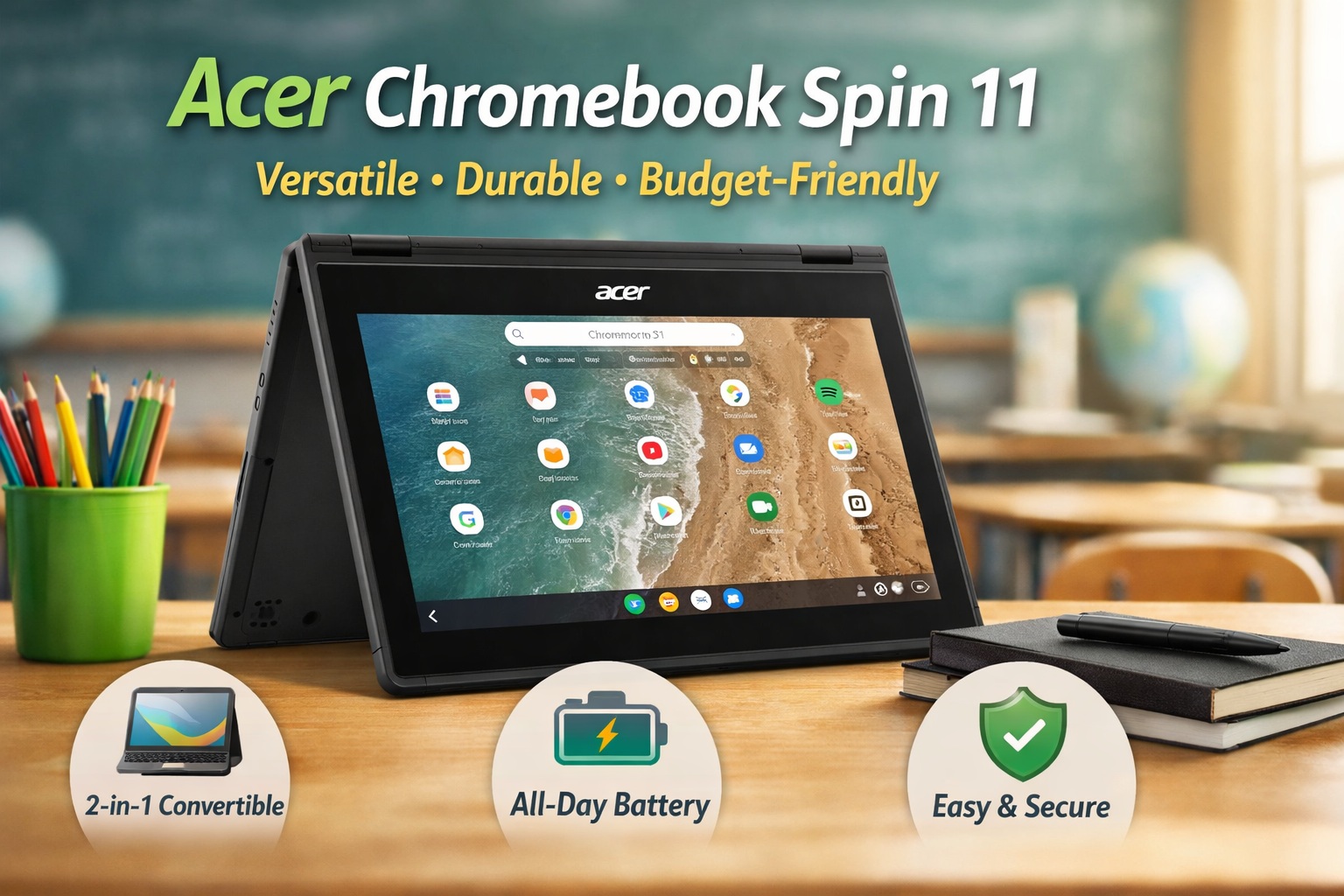
The Acer Chromebook Spin 11 is built with education and basic productivity in mind. Its 360-degree hinge allows it to work as a laptop, tablet, tent, or stand, making it useful for classrooms and casual home use. It supports Google apps, Android apps from the Play Store, and cloud-based work.
Key highlights include:
- 2-in-1 convertible design
- ChromeOS with fast boot times
- Touchscreen display
- Strong build quality for daily handling
- Excellent battery life for all-day use
This device is not meant for power users, but it is well-suited for beginners, students, and users who mostly work online.
Detailed Specification Table: Acer Chromebook Spin 11
| Specification | Details |
|---|---|
| Model Name | Acer Chromebook Spin 11 (CP311-1H / CP311-1HN variants) |
| Operating System | ChromeOS |
| Processor (CPU) | Intel Celeron N3350 / Intel Celeron N3450 (depending on variant) |
| Graphics (GPU) | Integrated Intel HD Graphics |
| Display Size | 11.6 inches |
| Display Resolution | HD (1366 x 768) |
| Display Type | Touchscreen (IPS on some models) |
| Aspect Ratio | 16:9 |
| Memory (RAM) | 4 GB LPDDR4 |
| Storage | 32 GB / 64 GB eMMC (varies by model) |
| Wireless Connectivity | Wi-Fi 802.11ac, Bluetooth 4.2 |
| Audio | Built-in stereo speakers, integrated microphone |
| Camera | Front HD webcam |
| Ports | 2 x USB Type-C, 2 x USB 3.0, microSD card reader, headphone jack |
| Battery | Up to 10 hours (typical usage) |
| Charging | USB-C charging |
| Keyboard | Spill-resistant keyboard |
| Pen Support | Optional stylus support (on specific models) |
| Weight | Approximately 1.27 kg (2.8 lbs) |
| Dimensions | ~ 292 mm x 205 mm x 18.05 mm |
| Special Features | 360° hinge (convertible), ChromeOS security & auto updates |
| Use Case | Students, education, web browsing, online meetings, casual use |
Acer Chromebook Spin 11 Design and Build Quality
The design of the Acer Chromebook Spin 11 is practical rather than flashy. It is made to survive daily use, especially in schools.
The chassis is built with reinforced plastic, and the corners are slightly rubberized to handle minor drops. The 360-degree hinge feels solid and allows smooth transitions between different modes.
Design highlights:
- Compact and lightweight body
- 360-degree flexible hinge
- Strong hinges that do not wobble easily
- Spill-resistant keyboard (on many variants)
The keyboard is comfortable for typing assignments, emails, and notes. The touchpad is responsive and works well with ChromeOS gestures.
Overall, the design focuses on durability and usability instead of premium looks, which makes sense for its target audience.
Acer Chromebook Spin 11 Display Quality
The Acer Chromebook Spin 11 comes with an 11.6-inch touchscreen display. Most models feature an HD (1366 × 768) resolution, which is acceptable for basic tasks.
Display experience:
- Touchscreen support for tablet mode
- Good brightness for indoor use
- Decent color reproduction for browsing and videos
- Limited viewing angles due to TN panel on some models
For watching YouTube, attending online classes, or reading documents, the display does the job well. However, it is not designed for professional photo or video editing.
The touchscreen is responsive and works smoothly with Android apps and ChromeOS gestures.
Acer Chromebook Spin 11 Performance for Daily Tasks
Performance is one of the most important areas for any Chromebook. The Acer Chromebook Spin 11 is powered by entry-level Intel processors such as the Celeron or Pentium series, paired with 4GB of RAM in most models.
Daily performance is smooth for:
- Web browsing with multiple tabs
- Google Docs, Sheets, and Slides
- Online classes and video calls
- Android apps from the Play Store
- Email, media consumption, and cloud work
ChromeOS is lightweight and well-optimized, which helps this hardware perform better than expected. The system boots up quickly and rarely slows down during normal use.
However, heavy multitasking, advanced editing, or running demanding Linux apps is not recommended.
Acer Chromebook Spin 11 Gaming Experience
Gaming is not the main focus of the Acer Chromebook Spin 11, but casual gaming is possible.
You can comfortably play:
- Android games like Subway Surfers, Candy Crush, and Asphalt 8 (on lower settings)
- Browser-based games
- Educational and puzzle games
You cannot expect:
- High-end PC games
- Advanced graphics or high frame rates
- Emulator-based heavy games
The gaming experience is suitable for kids and casual users, but serious gamers should look for more powerful laptops.
Acer Chromebook Spin 11 Cooling and Noise Levels
The Acer Chromebook Spin 11 uses a simple and efficient cooling system. Many variants are fanless, which means completely silent operation.
Cooling performance benefits:
- No loud fan noise
- Device stays cool during normal use
- Comfortable to use on a lap or desk
Even during long online classes or extended browsing sessions, the Chromebook maintains stable temperatures. This makes it ideal for quiet environments like classrooms and libraries.
Acer Chromebook Spin 11 Battery Life
Battery life is one of the strongest points of the Acer Chromebook Spin 11.
On average, users can expect:
- 8 to 10 hours of real-world usage
- Full-day battery for students
- Fast charging with USB-C support
Battery performance is excellent for:
- Online learning
- Office work
- Media streaming
- Travel and remote work
ChromeOS manages power efficiently, allowing users to work without constantly worrying about charging.
Software Experience on Acer Chromebook Spin 11
The Acer Chromebook Spin 11 runs on ChromeOS, which is designed for simplicity, speed, and security.
Software advantages:
- Automatic updates directly from Google
- Built-in virus protection
- Access to Google Play Store
- Google Assistant support
- Cloud-first experience with Google Drive
ChromeOS is ideal for beginners because it is easy to learn and requires minimal maintenance. It is also one of the most secure operating systems available.
Acer Chromebook Spin 11 for Students and Education
The Acer Chromebook Spin 11 is especially popular in the education sector.
Why it works well for students:
- Durable design for daily handling
- Long battery life for school days
- Touchscreen for interactive learning
- Affordable pricing
- Fast boot and simple interface
It is widely used for online classes, homework, research, and presentations. Teachers also find it easy to manage and deploy in classrooms.
Pros and Cons of Acer Chromebook Spin 11
Pros:
- Flexible 2-in-1 design
- Strong build quality
- Good battery life
- Fast and secure ChromeOS
- Touchscreen support
- Ideal for students and beginners
Cons:
- Average display resolution
- Limited performance for heavy tasks
- Not suitable for professional editing or gaming
- Small screen size for some users
Who Should Buy Acer Chromebook Spin 11?
The Acer Chromebook Spin 11 is best suited for:
- School and college students
- Teachers and educators
- Parents buying a first laptop for kids
- Users who mainly work online
- Anyone who wants a simple, secure, and affordable device
It is not recommended for users who need Windows software, heavy multitasking, or creative workloads.
Final Verdict: Is Acer Chromebook Spin 11 Worth It?
The Acer Chromebook Spin 11 is a reliable, beginner-friendly, and practical Chromebook that focuses on usability rather than raw power. It delivers smooth everyday performance, excellent battery life, and a flexible design that works well for learning and casual use.
If your needs include browsing, online classes, documents, video calls, and light entertainment, this Chromebook is a solid choice. It may not replace a powerful laptop, but it does exactly what it promises—simple, fast, and stress-free computing.
For students and everyday users looking for long-term value and stability, the Acer Chromebook Spin 11 remains a smart and dependable option.