
|
Getting your Trinity Audio player ready...
|
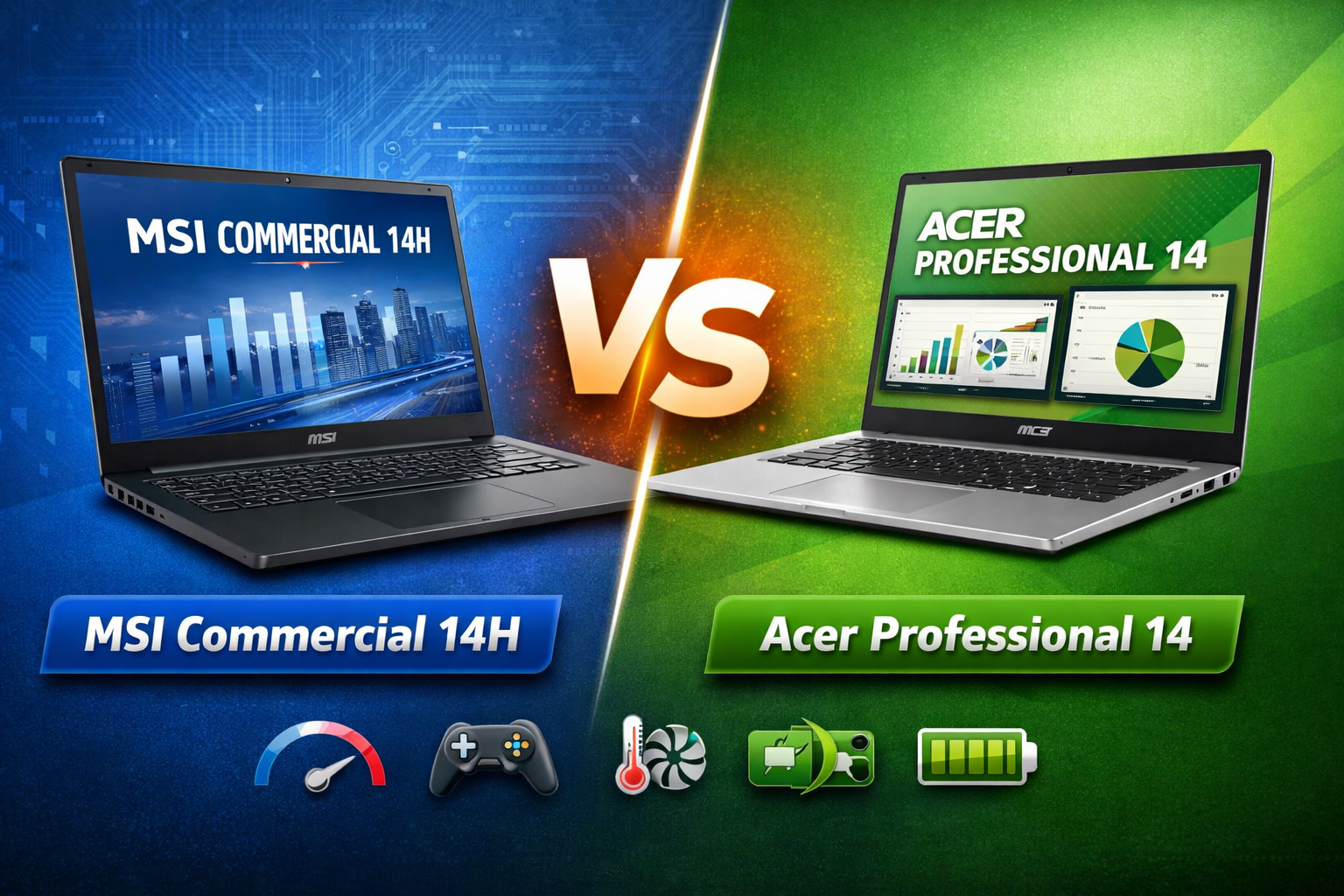
Choosing the right business laptop is not easy, especially when two models look similar on paper. This MSI Commercial 14H vs Acer Professional 14 comparison is written to help students, working professionals, and small business owners make a confident decision.
Both laptops are designed for productivity, portability, and reliability. But they serve slightly different user needs. In this detailed guide, we will compare design, display, performance, gaming ability, cooling, battery life, and real-world usability in simple, easy-to-understand language.
Design and Build Quality: MSI Commercial 14H vs Acer Professional 14
In terms of design, both laptops follow a clean and professional style suitable for offices and classrooms.
MSI Commercial 14H Design
- Strong, business-oriented design
- Solid chassis with minimal flex
- Matte finish that resists fingerprints
- Feels slightly heavier but more durable
MSI focuses on long-term usage, making this laptop suitable for daily travel and rough handling.
Acer Professional 14 Design
- Slimmer and lighter body
- Modern and elegant look
- Easy to carry in a backpack
- Slightly less rigid than MSI but still well built
If portability matters more, Acer has an edge. If durability is your priority, MSI feels more robust.
Display Quality: MSI Commercial 14H vs Acer Professional 14
A good display is important for long working hours.
MSI Commercial 14H Display
- 14-inch Full HD panel
- Anti-glare screen
- Good brightness for indoor use
- Accurate colors for office and web tasks
Acer Professional 14 Display
- 14-inch Full HD IPS display
- Better viewing angles
- Slightly brighter than MSI
- Comfortable for reading and browsing
For basic productivity, both displays perform well. Acer’s screen feels a bit more pleasant for long reading sessions.
Performance and Daily Usage: MSI Commercial 14H vs Acer Professional 14
Performance is one of the biggest deciding factors in the MSI Commercial 14H vs Acer Professional 14 debate.
MSI Commercial 14H Performance
- Powered by high-performance Intel H-series processors
- Faster multitasking
- Handles heavy Excel files, coding, and virtual machines well
- Better suited for demanding workloads
Acer Professional 14 Performance
- Uses Intel U-series processors
- Optimized for power efficiency
- Smooth for everyday tasks like:
- Browsing
- Office apps
- Video calls
- Not ideal for heavy processing tasks
If you need raw power, MSI is clearly stronger. For normal office users, Acer is more than enough.
Gaming Experience: MSI Commercial 14H vs Acer Professional 14
These are not gaming laptops, but light gaming is still possible.
MSI Commercial 14H Gaming
- Better CPU performance helps in CPU-based games
- Can handle light games at low settings
- Not designed for modern AAA games
Acer Professional 14 Gaming
- Limited by power-efficient processors
- Suitable only for very casual games
- Not recommended for gaming beyond basic titles
For occasional gaming, MSI performs slightly better, but neither laptop is built for serious gaming.
Cooling and Thermal Management: MSI Commercial 14H vs Acer Professional 14
Cooling plays a big role in long-term performance.
MSI Commercial 14H Cooling
- More powerful cooling system
- Manages heat better under heavy load
- Fans can get louder but keep performance stable
Acer Professional 14 Cooling
- Quiet cooling system
- Designed for light to moderate workloads
- May throttle performance under continuous heavy tasks
For sustained performance, MSI has a clear advantage.
Battery Life: MSI Commercial 14H vs Acer Professional 14
Battery life can decide your buying choice if you work on the go.
MSI Commercial 14H Battery
- Average battery life
- Powerful processor consumes more energy
- Best for users who work near a power source
Acer Professional 14 Battery
- Excellent battery efficiency
- Easily lasts a full workday
- Ideal for travel and remote work
Acer clearly wins in battery performance.
Keyboard, Trackpad, and Connectivity
Both laptops provide a comfortable typing experience.
Keyboard and Trackpad
- MSI: Slightly firmer keys, good for long typing
- Acer: Softer keys, quieter typing experience
- Trackpads on both are accurate and responsive
Ports and Connectivity
- USB Type-A and Type-C on both
- HDMI for external displays
- Wi-Fi and Bluetooth support
- MSI may offer slightly more business-oriented security features
Pros and Cons: MSI Commercial 14H vs Acer Professional 14
MSI Commercial 14H Pros
- Strong performance
- Durable build
- Better cooling
- Suitable for heavy workloads
MSI Commercial 14H Cons
- Average battery life
- Slightly heavier
- Not ideal for travel-focused users
Acer Professional 14 Pros
- Lightweight and portable
- Excellent battery life
- Comfortable display
- Quiet operation
Acer Professional 14 Cons
- Lower performance
- Not suitable for demanding tasks
- Limited gaming capability
Final Verdict: MSI Commercial 14H vs Acer Professional 14
The final choice in the MSI Commercial 14H vs Acer Professional 14 comparison depends entirely on your usage.
Choose MSI Commercial 14H if:
- You need strong performance
- You work with heavy software
- You want a durable, business-class laptop
Choose Acer Professional 14 if:
- You value portability
- Battery life matters most
- Your work is mainly office-based and online
Both laptops are reliable, professional, and well-suited for long-term use. Neither is a wrong choice. The best laptop is the one that matches your daily workflow, not just the specifications on paper.
This guide is written from a practical, user-focused perspective to help you make a safe, informed, and future-proof decision.