
|
Getting your Trinity Audio player ready...
|
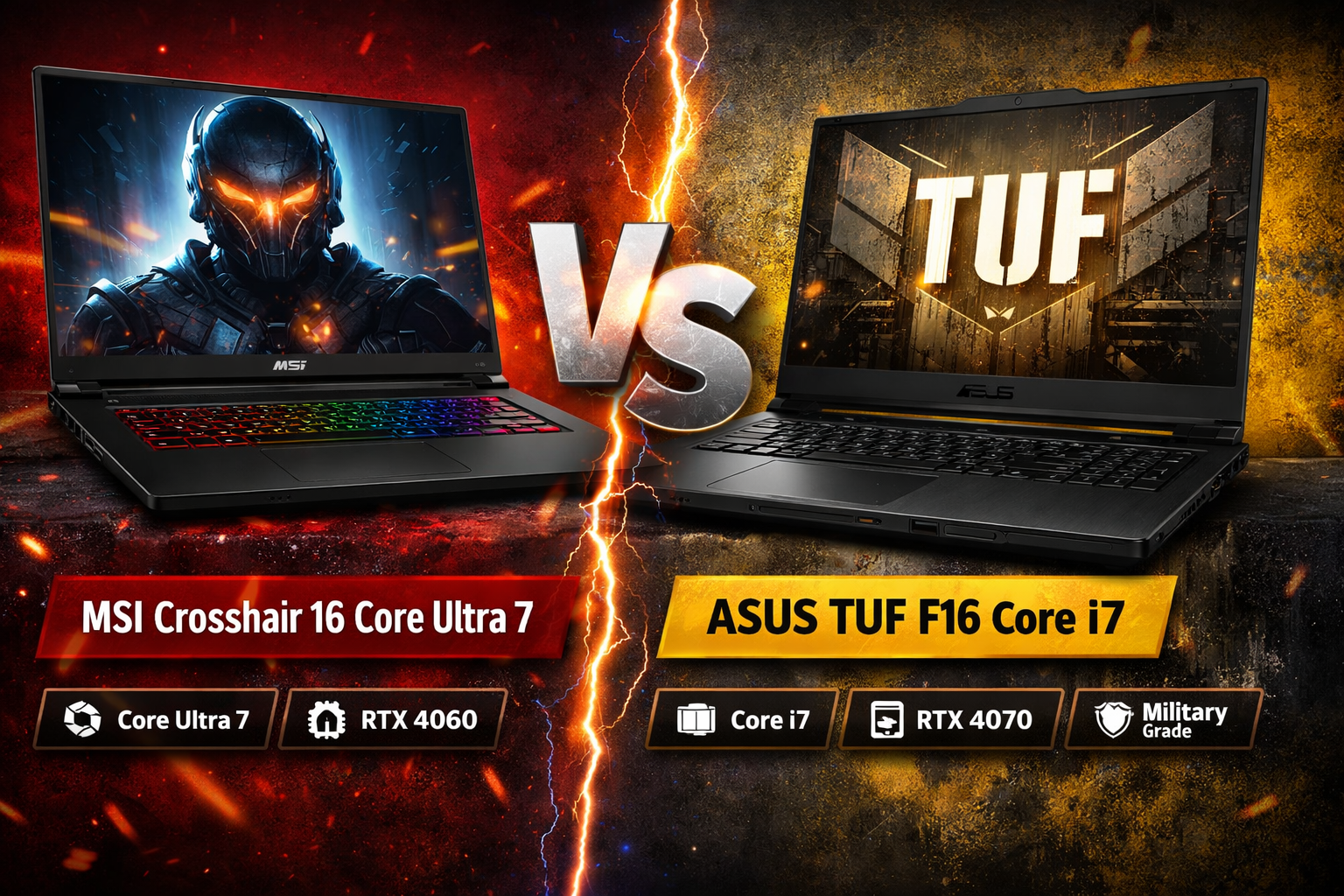
Choosing a powerful gaming laptop in 2026 can be confusing, especially when two strong contenders sit in a similar price range. This detailed comparison of msi crosshair 16 core ultra 7 vs asus tuf f16 core i7 is written to help normal users, gamers, students, and creators make a confident buying decision.
Both laptops are built for performance gaming, heavy multitasking, and creative workloads. However, their approach to design, thermals, battery, and real-world performance is slightly different. Let’s break everything down in simple, clear language.
Design and Build Quality
When comparing msi crosshair 16 core ultra 7 vs asus tuf f16 core i7, design philosophy is one of the first noticeable differences.
MSI Crosshair 16 has a more aggressive gaming look with sharp lines and RGB accents. It feels modern and premium, though mostly plastic to keep weight manageable. The hinge feels firm, and the keyboard deck does not flex much under pressure.
ASUS TUF F16 follows a tougher, industrial design. It meets military-grade durability standards, which means better resistance to minor drops, vibration, and heat. It looks slightly bulky, but the solid build inspires confidence.
Design verdict:
- MSI looks more stylish and modern
- ASUS feels tougher and more durable
16 core ultra 7 vs asus tuf f16 core i7:
| Feature | MSI Crosshair 16 Core Ultra 7 | ASUS TUF F16 Core i7 |
|---|---|---|
| Processor | Intel Core Ultra 7 (AI-optimized, efficient) | Intel Core i7 (strong raw performance) |
| GPU Options | NVIDIA RTX 4050 / RTX 4060 (varies by model) | NVIDIA RTX 4050 / RTX 4060 / RTX 4070 (varies by model) |
| Display Size & Type | 16″, 16:10, high refresh | 16″, 16:10, high refresh |
| Refresh Rate | Up to 165Hz | Up to 165Hz |
| Build Design | Sleek gaming design, modern look | Rugged military-grade durability |
| Thermal System | Dual-fan with heat pipes | Larger vents, optimized airflow |
| Gaming Performance | Excellent 1080p/1440p gaming | Excellent 1080p/1440p gaming |
| Battery Life (Light Use) | ~5–6 hours | ~4–5 hours |
| Keyboard | RGB backlit, comfortable | RGB / single-zone lighting, firmer keys |
| Weight & Portability | Slightly lighter, more portable | Slightly heavier, more rugged |
| Ports & Connectivity | USB-C, USB-A, HDMI, Ethernet | USB-C, USB-A, HDMI, Ethernet (some TB support) |
| Cooling Noise | Moderate to loud under load | Efficient, slightly quieter during long load |
| Best For | Everyday multitasking + gaming | Long gaming sessions + durability |
| Value Proposition | Modern efficiency + versatile use | Tough build + stable performance |
Display Quality and Visual Experience
Display quality plays a big role in gaming and content consumption. In msi crosshair 16 core ultra 7 vs asus tuf f16 core i7, both laptops use 16-inch panels with a 16:10 aspect ratio, which gives extra vertical screen space.
MSI Crosshair 16 usually offers:
- QHD+ or FHD+ resolution
- 165Hz refresh rate
- Good color accuracy for gaming and casual editing
ASUS TUF F16 generally provides:
- FHD+ or QHD option
- Up to 165Hz refresh rate
- Slightly better brightness consistency
For gaming, both displays are smooth and responsive. For creators, MSI’s panel may feel slightly more vibrant, while ASUS offers more consistent outdoor visibility.
Performance: CPU and Daily Usage
Performance is where msi crosshair 16 core ultra 7 vs asus tuf f16 core i7 becomes very interesting.
MSI Crosshair 16 uses Intel Core Ultra 7 processors. These chips are designed with efficiency cores, performance cores, and AI acceleration. This helps with multitasking, battery optimization, and future AI-based applications.
ASUS TUF F16 uses Intel Core i7 (13th or 14th gen depending on model). These CPUs are extremely powerful for raw performance, especially in sustained workloads like gaming and rendering.
In real-world use:
- MSI feels smoother for everyday tasks and background multitasking
- ASUS delivers slightly stronger raw CPU performance under load
For students and professionals, both are excellent. For heavy CPU-based tasks, ASUS has a slight edge.
Cooling System and Thermal Performance
Cooling is critical for gaming laptops, and it matters a lot in msi crosshair 16 core ultra 7 vs asus tuf f16 core i7.
MSI Crosshair 16 uses a dual-fan system with multiple heat pipes. It does a good job, but fans can get loud under heavy gaming.
ASUS TUF F16 is known for its robust cooling design. Larger vents and efficient airflow keep temperatures more stable during long gaming sessions.
Cooling comparison:
- MSI: Good cooling, slightly louder fans
- ASUS: Better sustained cooling, more stable performance
If you game for long hours, ASUS has an advantage.

Gaming Experience and GPU Performance
Gaming performance is a key reason people compare msi crosshair 16 core ultra 7 vs asus tuf f16 core i7.
Both laptops usually come with NVIDIA RTX 4050 or RTX 4060 GPUs, depending on configuration. This means:
- Smooth 1080p and 1440p gaming
- Ray tracing support
- DLSS for higher frame rates
In actual gaming:
- AAA games run at high to ultra settings
- Competitive games easily cross 120 FPS
- Performance difference is minimal if GPU wattage is similar
ASUS often allows slightly higher sustained GPU power due to better cooling, which can give a few extra frames in long gaming sessions.
Battery Life and Portability
Battery life is an important factor, especially for students and professionals.
In msi crosshair 16 core ultra 7 vs asus tuf f16 core i7, MSI benefits from the efficiency of Core Ultra processors.
MSI Crosshair 16:
- Better battery optimization
- Around 5–6 hours of light use
ASUS TUF F16:
- Slightly lower battery life
- Around 4–5 hours of light use
For gaming, both require being plugged in for best performance.
Connectivity and Ports
Both laptops offer strong connectivity options:
Common ports include:
- USB Type-C
- USB Type-A
- HDMI
- Ethernet
- Headphone jack
ASUS often includes Thunderbolt support in some variants, which is useful for external displays and fast storage.