
|
Getting your Trinity Audio player ready...
|
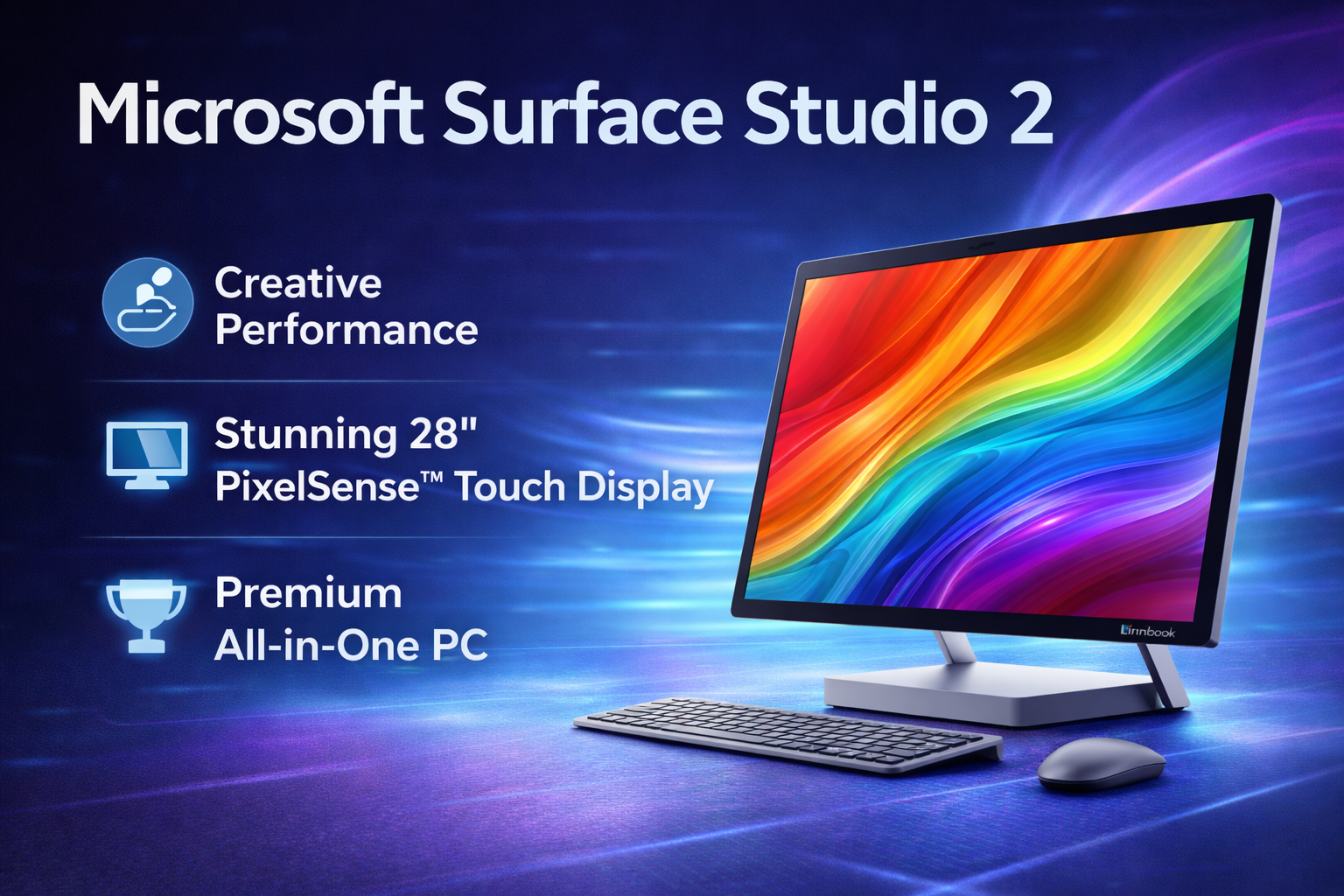
The Microsoft Surface Studio 2 is a premium all-in-one desktop computer designed for creative professionals, designers, and users who want a powerful and visually stunning workstation. Unlike regular desktops, it focuses on touch, pen input, and a flexible display that adapts to creative workflows. It is not built for casual users or gamers first, but for people who value design, precision, and a smooth Windows experience.
Developed by Microsoft, the Surface Studio 2 combines elegant hardware with optimized Windows performance, making it ideal for digital artists, video editors, architects, and premium office setups.
Microsoft Surface Studio 2 Design and Build Quality
Design is one of the biggest highlights of the Microsoft Surface Studio 2. It looks modern, minimal, and extremely premium on any desk.
Design highlights include:
- Ultra-thin display with a clean, professional look
- Solid aluminum build quality
- Unique zero-gravity hinge for smooth angle adjustment
- Minimal cables for a clutter-free workspace
The hinge allows the screen to move from a vertical desktop position to a nearly flat drawing mode effortlessly. This makes it perfect for sketching, editing photos, or annotating documents directly on the screen.
Microsoft Surface Studio 2 Display Quality
The Microsoft Surface Studio 2 features a large 28-inch PixelSense display that is one of the best displays ever used in an all-in-one PC.
Display features:
- High-resolution screen with sharp details
- Excellent color accuracy for creative work
- Touch and Surface Pen support
- Wide viewing angles and smooth brightness control
The display is ideal for graphic design, photo editing, and video production. Text looks crisp, and colors appear natural, which is essential for professional content creation.
Microsoft Surface Studio 2 Performance
Performance on the Microsoft Surface Studio 2 is focused on stability and smooth creative workflows rather than raw gaming power.
It handles:
- Adobe Photoshop and Illustrator smoothly
- Video editing at moderate levels
- Multitasking with large files
- Professional software for design and productivity
The system feels responsive during daily use, and Windows runs smoothly. While it may not compete with high-end custom desktops, it offers a balanced and reliable performance for professional users.
Microsoft Surface Studio 2 Gaming Experience
Microsoft Surface Studio 2 Review – Built for Creators?
The Microsoft Surface Studio 2 is not designed as a gaming PC, but it can handle light to moderate gaming.
Gaming performance is suitable for:
- Casual and indie games
- Older AAA titles at low to medium settings
- Strategy and simulation games
For long gaming sessions or heavy workloads, heat can build up over time. While this is a desktop and not a laptop, maintaining proper airflow around the device is important. Users who connect external laptops to the Studio setup should consider a gaming laptop cooling pad for better thermal control and comfort during extended use.
Microsoft Surface Studio 2 Cooling System
The cooling system in the Microsoft Surface Studio 2 is quiet and optimized for creative work.
Cooling highlights:
- Low noise during normal operation
- Stable temperatures for design tasks
- Efficient heat management for long sessions
During intensive rendering or extended use, the system may warm up, but it remains within safe limits. The quiet cooling design makes it suitable for studios and professional environments where noise matters.
Microsoft Surface Studio 2 Battery and Power Use
Unlike laptops, the Microsoft Surface Studio 2 is a plug-in desktop, so it does not rely on a traditional battery for operation.
Power efficiency benefits:
- Stable performance without battery limitations
- No performance drop due to power saving modes
- Consistent output during long work hours
This makes it ideal for users who work at a fixed desk and want uninterrupted performance throughout the day.
Microsoft Surface Studio 2 Connectivity and Accessories
The Microsoft Surface Studio 2 offers a clean but limited selection of ports.
Connectivity options include:
- USB-A ports for accessories
- USB-C for modern devices
- SD card reader
- Headphone jack
It supports Surface Pen and Surface Dial, which significantly enhance the creative experience, especially for designers and illustrators.
Microsoft Surface Studio 2 Pros and Cons
Pros:
- Stunning 28-inch touch display
- Premium design and build quality
- Excellent for creative professionals
- Smooth pen and touch experience
- Quiet and stable performance
Cons:
- Very expensive
- Not ideal for modern heavy gaming
- Limited upgrade options
- Not portable
Final Verdict on Microsoft Surface Studio 2
The Microsoft Surface Studio 2 is a unique and premium all-in-one desktop built for creative professionals who value design, display quality, and touch-based workflows. It is perfect for artists, designers, and professionals who want an elegant, powerful workstation without the complexity of building a custom PC.
While it is not meant for hardcore gaming or budget users, it excels in creativity, productivity, and visual quality. With proper airflow management and smart accessories like a gaming laptop cooling pad for connected devices, it delivers a smooth and comfortable long-term working experience. If your priority is premium design and professional creative work, the Microsoft Surface Studio 2 remains a standout choice.