
|
Getting your Trinity Audio player ready...
|
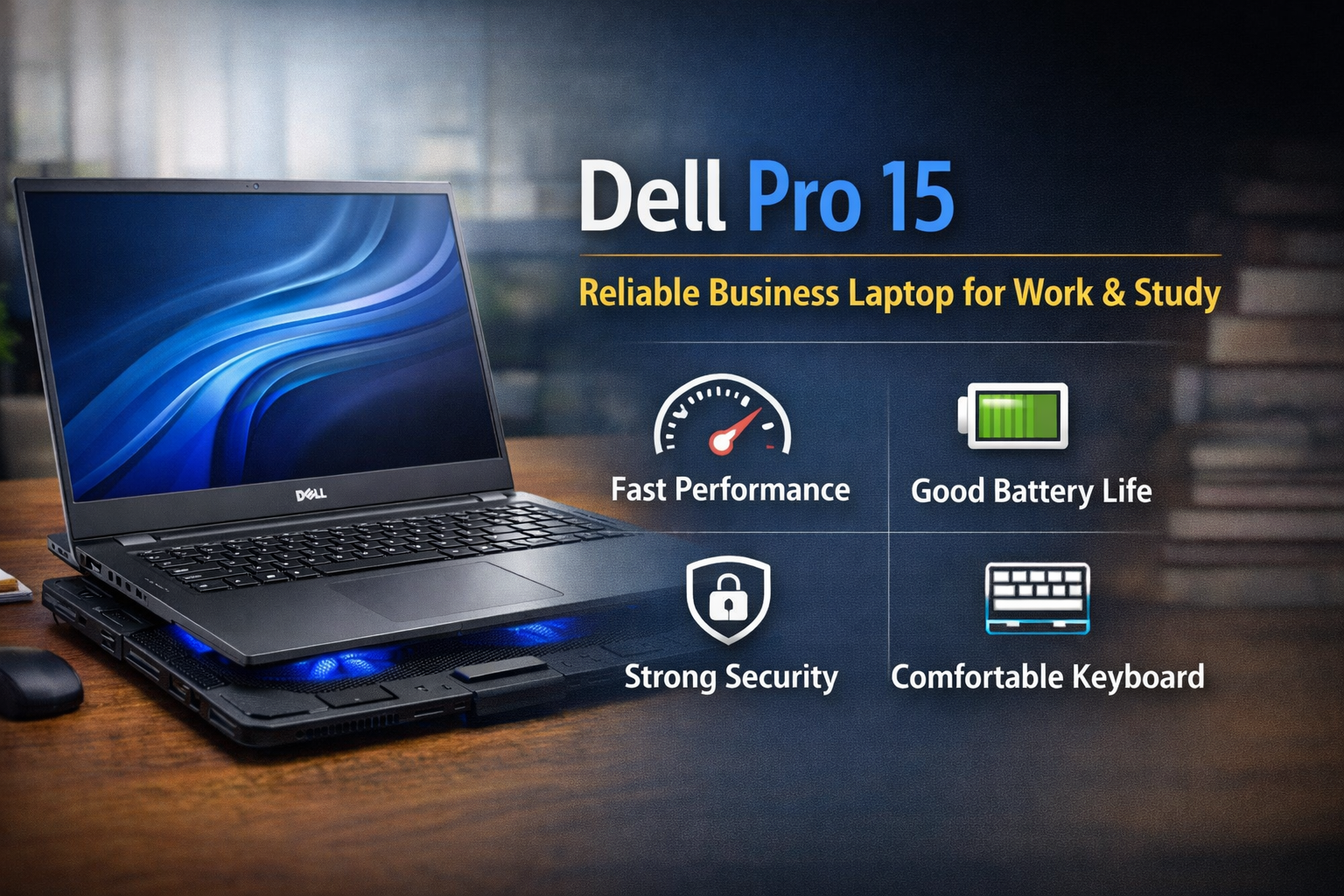
The dell pro 15 is a business-focused laptop made for users who want stable performance, comfortable typing, and dependable battery life. It is not a flashy gaming device. Instead, it is built for real everyday tasks like office work, online classes, freelancing, and content writing.
If you need a laptop that simply works smoothly without constant lag or heating issues, this model is worth understanding. In this guide, you will learn its features, performance, and who should actually buy it.
Design and Build Quality of Dell Pro 15
The dell pro 15 follows a clean and professional design. It looks simple, which is actually an advantage in offices and colleges. The body feels solid and durable, and Dell focuses on reliability more than style.
Important design features:
• Strong plastic or metal finish (varies by variant)
• Slim and portable 15-inch body
• Comfortable hinge movement
• Professional appearance suitable for office use
It easily fits into a backpack and does not feel too heavy during travel. For people who commute daily, this is very helpful.

Display Experience on Dell Pro 15
The laptop comes with a 15.6-inch Full HD display, which is a comfortable screen size for productivity. The dell pro 15 display is not meant for professional video editors, but it is perfect for everyday users.
You will notice:
• Clear text while reading documents
• Comfortable viewing for long hours
• Anti-glare panel reduces eye strain
• Good brightness for indoor use
Students and office employees who work in Word, Excel, browsing, and online meetings will be satisfied with the viewing experience.

Performance and Everyday Speed
The dell pro 15 usually includes Intel Core i5 or i7 processors with SSD storage. SSD is very important because it directly affects speed.
What the laptop handles easily:
• Web browsing with many tabs
• MS Office and Google Docs
• Online meetings (Zoom, Teams, Meet)
• Blogging and WordPress work
• YouTube and video streaming
• Basic photo editing
The system boots quickly and applications open fast. For normal productivity work, you will not feel lag.
However, heavy gaming and 3D rendering are not recommended. Integrated graphics are designed for work, not high-end gaming.
Keyboard and Typing Comfort
One of the strongest points of the dell pro 15 is typing comfort. Dell business laptops are known for their comfortable keyboards.
You get:
• Soft keys with good feedback
• Full-size keyboard
• Numeric keypad
• Large touchpad
For writers, bloggers, students, and accountants, this makes long typing sessions easy and less tiring.
Battery Life and Portability
Battery backup is very important in a work laptop, and the dell pro 15 performs well here.
Average usage:
• Around 6 to 8 hours mixed usage
• Good standby time
• Reliable for office or classes
You can attend lectures, meetings, or work sessions without worrying about charging every few hours.

Cooling and Heat Management
Thin business laptops can sometimes heat during heavy multitasking. The dell pro 15 manages heat well in normal usage. But during software installation, large file transfers, or long video meetings, slight warmth can appear.
Using a cooling pad is a smart solution.
Benefits of using a laptop cooling pad:
• Keeps temperature lower
• Maintains consistent performance
• Protects internal components
• Improves battery health over time
Although cooling pads are often marketed for gaming laptops, they are also very useful for productivity laptops like the dell pro 15, especially in warm weather conditions.
Ports and Connectivity
The dell pro 15 provides practical connectivity options so you rarely need extra adapters.
Common ports include:
• USB-A ports
• USB-C port
• HDMI output
• Headphone jack
• Wi-Fi and Bluetooth connectivity
You can easily connect projectors, pendrives, external mouse, or an external monitor.

Security and Useful Features
Security is important for office and personal data. The dell pro 15 includes helpful protection features.
Security features:
• Fingerprint reader (in many models)
• TPM security support
• Webcam privacy options
These features help protect files and personal information, which is very useful for professionals and remote workers.
Who Should Buy Dell Pro 15
The dell pro 15 is best suited for:
• Students
• Bloggers and writers
• Office employees
• Freelancers
• Small business owners
• Online teachers
You should avoid it if your main goal is gaming, heavy video editing, or 3D modeling.

Final Verdict on Dell Pro 15
The dell pro 15 is a dependable productivity laptop. It focuses on stability, comfort, and long working hours rather than graphics performance. It is built for real users who need reliability every day.
Pros:
• Smooth daily performance
• Comfortable keyboard
• Good battery life
• Professional design
• Useful connectivity
Cons:
• Not for gaming
• Average graphics capability
Overall, if your priority is office work, study, or blogging, the dell pro 15 is a smart and safe investment for long-term use.