
|
Getting your Trinity Audio player ready...
|
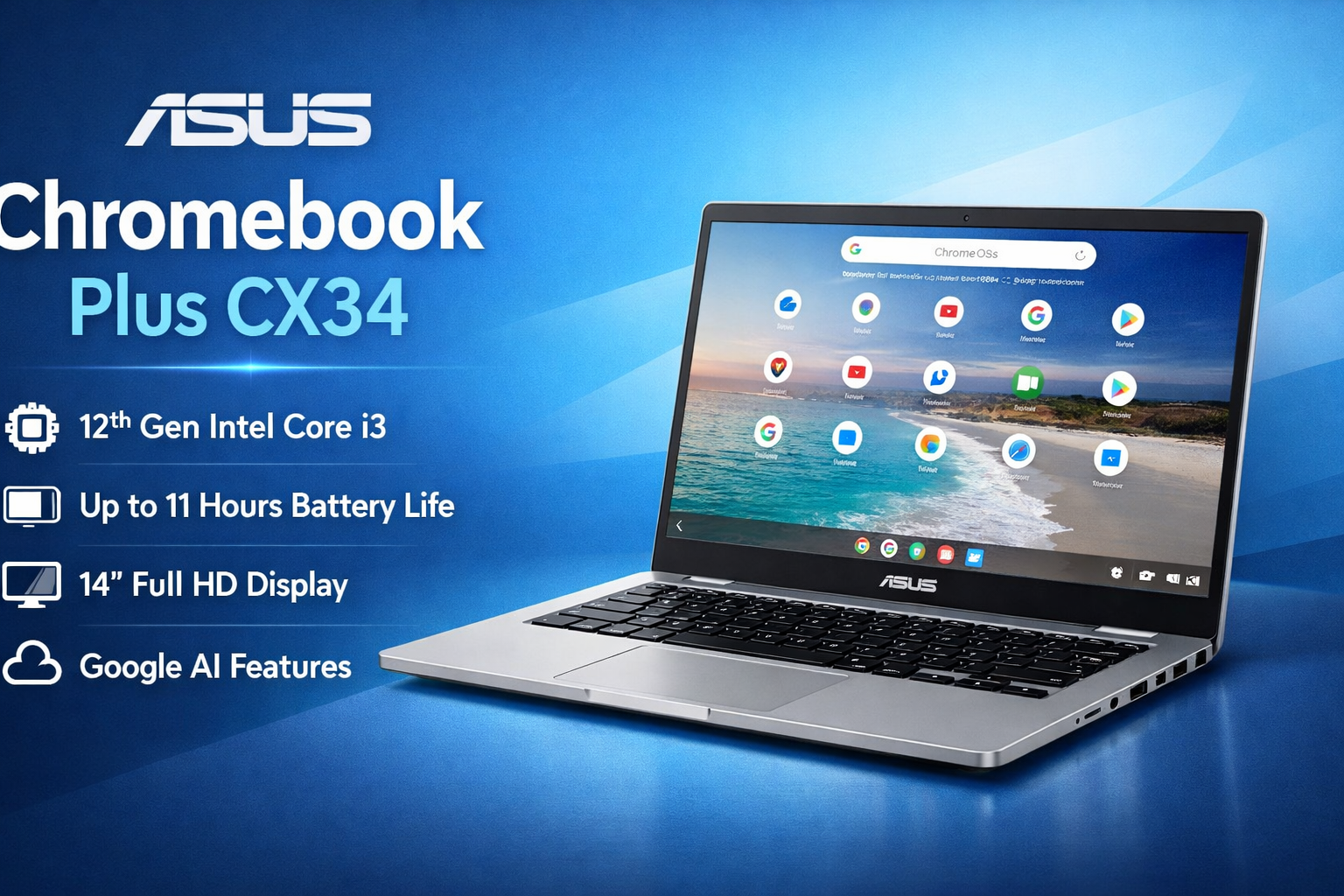
If you want a lightweight laptop for study, office work, browsing, and online classes, the Asus Chromebook Plus CX34 is one of the most practical options available today. Chromebooks are designed for speed and simplicity, and this model improves the experience with better performance, a larger display, and useful Google features.
In this guide, you’ll clearly understand what this laptop offers, who should buy it, and whether it is worth your money.
Asus Chromebook Plus CX34: Quick Overview
The Asus Chromebook Plus CX34 belongs to Google’s “Chromebook Plus” category. This means it meets higher hardware standards than regular Chromebooks. It comes with a faster processor, more RAM, and built-in AI tools from Google.
It is mainly made for:
- Students
- Teachers
- Bloggers
- Office workers
- Casual home users
Unlike Windows laptops, ChromeOS focuses on web apps and cloud work. Because of this, the laptop feels very smooth and boots in just a few seconds.
Design and Build Quality of Asus Chromebook Plus CX34
The design of the Asus Chromebook Plus CX34 is clean and professional. It looks more like a premium ultrabook than a budget laptop.
Key design highlights:
- 14-inch Full HD display
- Thin bezels
- Lightweight body (around 1.4 kg)
- Comfortable full-size keyboard
- Large trackpad
The keyboard is very comfortable for typing long documents or blog posts. Students who attend online classes or writers who work daily will appreciate this.
Display Experience on Asus Chromebook Plus CX34
The laptop has a 14-inch Full HD (1920×1080) anti-glare screen. The display is one of the strongest points of the Asus Chromebook Plus CX34.
You get:
- Good brightness
- Clear text
- Comfortable reading
- Less eye strain
It works great for YouTube videos, Google Docs, browsing, and online learning. However, it is not designed for professional video editing or high-end gaming.
Performance and Speed of Asus Chromebook Plus CX34
Performance is where the Asus Chromebook Plus CX34 stands out compared to normal Chromebooks.
It usually comes with:
- Intel Core i3 12th Generation processor
- 8GB RAM
- 128GB UFS/SSD storage
In real usage, the laptop feels very fast. You can open 15–20 Chrome tabs, Google Docs, and YouTube simultaneously without lag.
Daily tasks it handles easily:
- Web browsing
- Blogging
- Online meetings (Zoom/Google Meet)
- Canva designing
- Microsoft 365 online
- Android apps from Play Store
Because ChromeOS is lightweight, it does not slow down like many Windows laptops over time.
Battery Life of Asus Chromebook Plus CX34
Battery life is another big advantage of the Asus Chromebook Plus CX34.
You can expect around 9–11 hours of usage on a single charge. For students and office workers, this means a full day of work without carrying a charger.
This makes it ideal for:
- College classes
- Travel
- Library study sessions
- Work-from-home users
Connectivity and Ports
The laptop provides good connectivity options:
- USB-C ports
- USB-A ports
- HDMI
- Wi-Fi 6
- Bluetooth
- Headphone jack
You can connect a monitor, mouse, keyboard, or pendrive easily.
Who Should Buy Asus Chromebook Plus CX34?
The Asus Chromebook Plus CX34 is perfect for:
Best for:
- Students
- Bloggers and writers
- Online teachers
- Basic office work
- Web developers (cloud-based work)
Not ideal for:
- Heavy gaming
- Advanced video editing
- High-end software like Adobe Premiere Pro
Final Verdict: Is Asus Chromebook Plus CX34 Worth It?
Yes — for most users, the Asus Chromebook Plus CX34 is a smart purchase.
It offers:
- Fast performance
- Long battery life
- Clean and simple software
- Good display
- Reliable daily use
If your work mainly happens online, this Chromebook can easily replace a Windows laptop while being easier to use and more secure.