
|
Getting your Trinity Audio player ready...
|
Many people notice their laptop becoming hot after long use. While gaming, video editing, online classes, or even heavy browsing, the temperature rises quickly. Heat is actually one of the biggest enemies of a laptop. It slows performance, causes lag, reduces battery life, and over time can damage internal components.
This is where the best laptop cooling pad becomes useful. It is a small and affordable accessory, but it can make a big difference in how your laptop performs daily.
What Is a Laptop Cooling Pad?
A laptop cooling pad is a stand placed under your laptop that contains built-in fans. These fans push cool air toward the bottom vents of the laptop and remove hot air. Instead of trapping heat on a desk or bed, the laptop stays ventilated.
Most cooling pads are powered by a USB cable. You simply plug it into your laptop and the fans start running instantly. No software or setup is required.
Why Laptops Overheat
Modern laptops are slim and compact. Because of this, they have limited airflow inside. When you do tasks like:
- Gaming
- Watching long YouTube videos
- Editing photos or videos
- Using many browser tabs
the processor works harder and generates heat. If heat stays inside, the laptop automatically slows down. This process is called thermal throttling.
You may notice:
- Sudden lag
- Fan noise becoming loud
- Keyboard area getting hot
- Battery draining faster
Using the best laptop cooling pad helps prevent these problems.
Benefits of Using the Best Laptop Cooling Pad
1. Better Performance
When temperature stays lower, the processor can run at full speed. Games run smoother and applications open faster.
2. Longer Laptop Life
Excess heat damages motherboard parts, SSD, and battery over time. Cooling pads reduce internal stress and help the laptop last longer.
3. Comfortable Typing
Without a cooling pad, the keyboard area becomes warm. A cooling pad keeps the surface cooler, making it easier to type for hours.
4. Improved Battery Health
Heat weakens lithium batteries. By reducing temperature, a cooling pad indirectly protects battery health.
Important Features to Look For
When choosing the best laptop cooling pad, you should check a few key things:
Fan Size and Number
Large fans move more air quietly. Two or four medium fans also work well.
Adjustable Height
A stand with angle adjustment improves posture and reduces neck strain.
Build Quality
Metal mesh surfaces are better than plastic because they dissipate heat faster.
Noise Level
Good cooling pads are quiet. You should hear airflow, not loud buzzing.
USB Pass-Through Port
This allows you to use the same USB port for other devices after connecting the pad.
Best Laptop Cooling Pads You Can Actually Buy
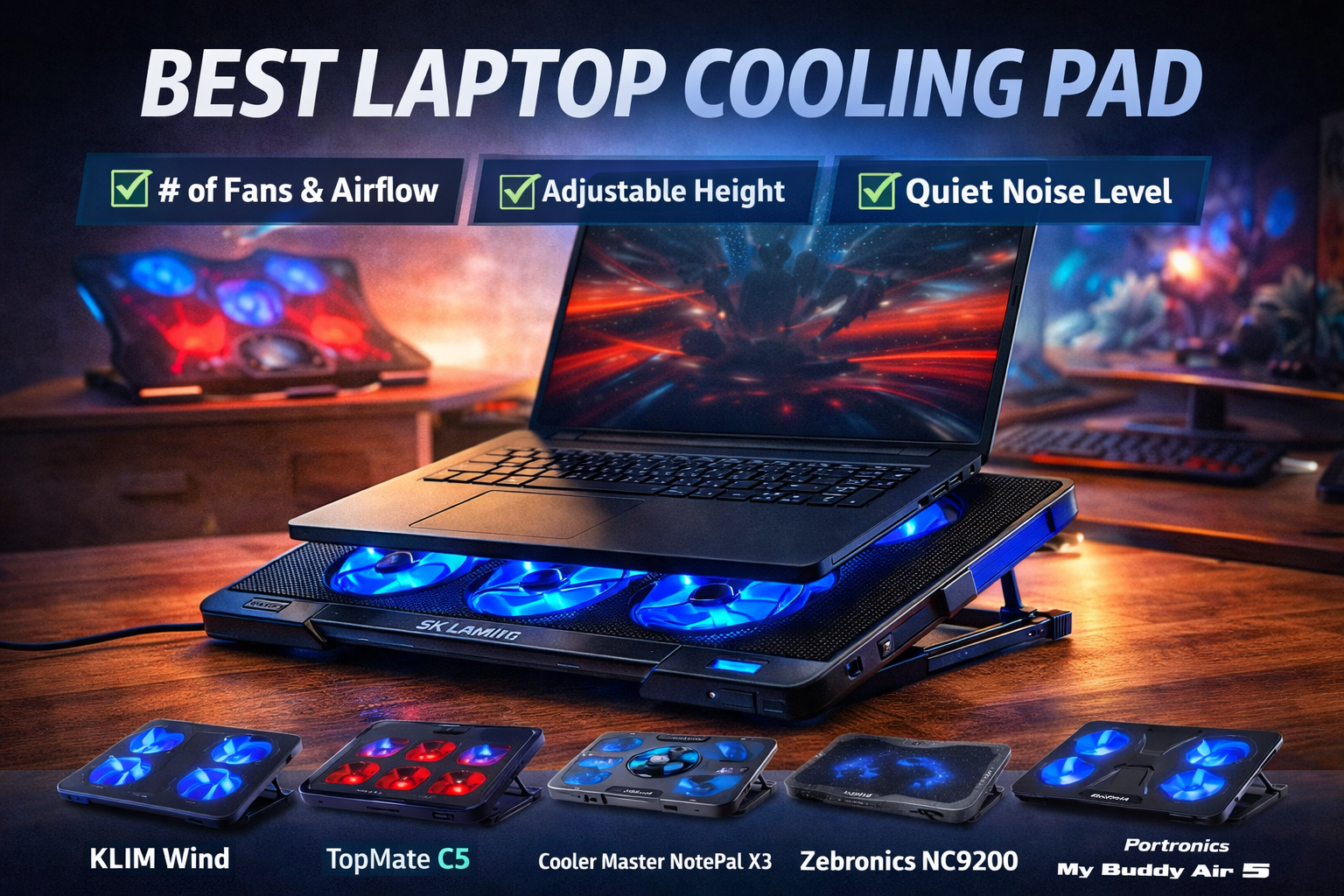
To make your choice easier, here are some popular and reliable cooling pads along with their important specifications. These models are commonly used by students, office users, and gamers.
1. KLIM Wind Laptop Cooling Pad

This is a very well-balanced cooling pad suitable for both normal work and light gaming. It focuses on steady airflow instead of loud fan speed.
Key Specifications
- 4 cooling fans
- Supports laptops from 11-inch to 17-inch
- Quiet airflow
- Metal mesh surface
- Extra USB port
- Adjustable stand angles
Why choose it?
It keeps temperatures stable without making much noise, which is perfect for studying, blogging, or office work.
2. TopMate C5 Cooling Pad
This one is made more for heavy usage. If your laptop becomes very hot during gaming or editing, this model performs better than basic cooling pads.
Key Specifications
- 5 fans (1 large center fan + 4 small fans)
- Adjustable fan speed control
- LED indicators
- Height adjustment levels
- Works with large 15.6-inch and 17-inch laptops
Why choose it?
Strong airflow directly targets hot areas under gaming laptops.
3. Cooler Master NotePal X3

This cooling pad uses a different design. Instead of many small fans, it uses one very large fan that pushes a large amount of air quietly.
Key Specifications
- Large 200mm fan
- Strong airflow
- Ergonomic tilt stand
- Fan speed controller
- USB powered
Why choose it?
Large fans usually cool more efficiently and create less noise compared to multiple small fans.
4. Zebronics NC9200 Cooling Pad

A good choice for budget users who mainly use laptops for browsing, classes, or office work.
Key Specifications
- Dual fan cooling
- USB powered
- Lightweight body
- Suitable for 14-inch and 15.6-inch laptops
- Simple plug-and-play usage
Why choose it?
Affordable and enough to reduce heating during normal daily tasks.
5. Portronics My Buddy Air 5
Check on AmazonThis is a very popular option among students because it is lightweight and comfortable for long typing sessions.
Key Specifications
- Multi-fan cooling design
- Adjustable viewing angles
- Slim portable body
- USB powered
- Anti-slip pads
Why choose it?
Good for online classes, writing, and long study hours.
Tips for Better Cooling
A cooling pad works best when combined with good usage habits:
- Never place a laptop on a bed or pillow
- Clean laptop vents regularly
- Keep room ventilation open
- Avoid blocking air vents
Even an expensive laptop can overheat if airflow is blocked.
Final Verdict
The best laptop cooling pad is one of the cheapest yet most useful laptop accessories you can buy. It improves performance, keeps the keyboard comfortable, and helps protect internal hardware from heat damage.
If you use your laptop for long hours every day, a cooling pad is not a luxury — it is basic protection. Spending a small amount now can prevent costly repairs later and keep your laptop running smoothly for years.