
|
Getting your Trinity Audio player ready...
|
If you’re a gaming enthusiast looking for a compact yet powerful setup, the Lenovo Legion Y700 Arcade Dock is an exciting accessory worth exploring. It transforms your tablet into a mini gaming console, giving you a more immersive and comfortable experience. In this article, we’ll break down everything you need to know in a simple and practical way.
Overview of Lenovo Legion Y700 Arcade Dock
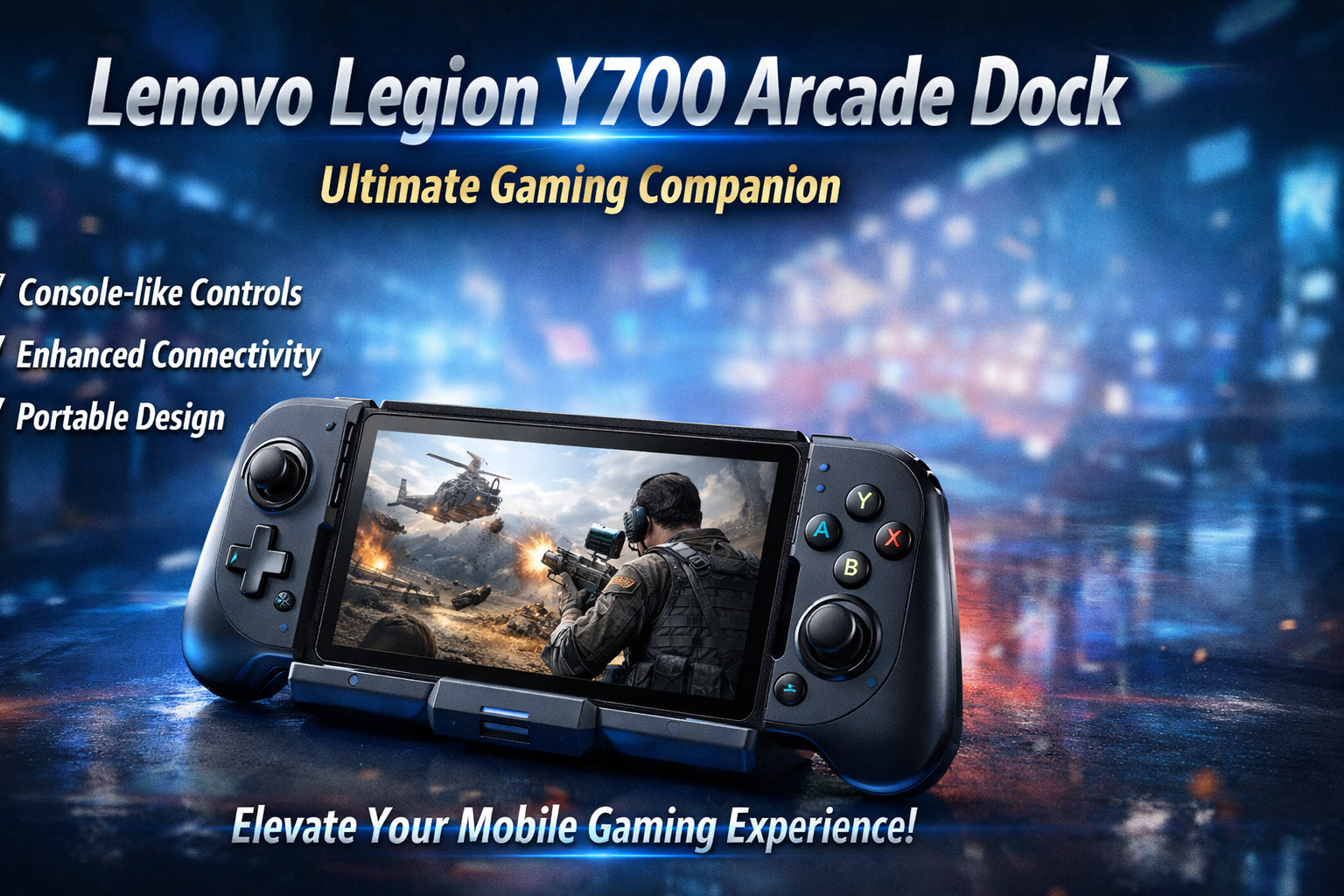
The Lenovo Legion Y700 Arcade Dock is designed to enhance the functionality of the Legion Y700 tablet. It adds physical controls, connectivity options, and a console-like feel, making it perfect for casual and serious gamers alike.
Whether you enjoy mobile gaming or want a portable gaming station, this dock bridges the gap between tablets and traditional gaming consoles.
Design and Build Quality
The design of the Lenovo Legion Y700 Arcade Dock is sleek, modern, and gamer-focused.
- Ergonomic grip for long gaming sessions
- Solid build with high-quality materials
- Easy docking mechanism
- Compact and travel-friendly
It feels comfortable in hand and doesn’t add too much bulk, which is important for portability.
Display Experience
While the dock itself doesn’t include a display, it enhances how you use the tablet screen.
- Supports high refresh rate gameplay
- Stable positioning for better viewing angles
- Ideal for fast-paced games like FPS and racing
With the Legion Y700’s high-quality display, the dock ensures you get a stable and immersive visual experience.
Performance and Connectivity
The Lenovo Legion Y700 Arcade Dock improves overall usability by adding extra ports and better control.
- USB ports for accessories
- Low-latency input for responsive gaming
- Seamless connection with the tablet
It doesn’t boost internal performance, but it significantly enhances how efficiently you can play games.
Gaming Experience
This is where the Lenovo Legion Y700 Arcade Dock truly shines.
- Physical buttons improve control accuracy
- Better grip reduces hand fatigue
- Console-like experience on a tablet
For games like Call of Duty Mobile or PUBG, the improved control system gives you a competitive edge.
Cooling and Heat Management
Gaming can generate heat, especially during long sessions. The dock helps indirectly:
- Allows better airflow around the device
- Reduces hand contact with heated areas
- Supports extended gameplay sessions
While it doesn’t include active cooling, the design helps manage heat better than handheld use.
Battery Life Impact
The dock itself doesn’t have a battery but affects usage:
- Efficient gameplay reduces unnecessary power drain
- External accessories can be powered through ports
- Helps maintain stable performance during long sessions
Overall, battery consumption depends more on the tablet, but the dock helps optimize usage.
Pros and Cons of Lenovo Legion Y700 Arcade Dock
Pros
- Improves gaming control
- Portable and lightweight
- Console-like experience
- Easy to use
Cons
- Limited to compatible devices
- No built-in cooling system
- Doesn’t improve internal hardware performance
Final Verdict
The Lenovo Legion Y700 Arcade Dock is a smart accessory for gamers who want to upgrade their tablet gaming experience without investing in a full gaming PC or laptop. It offers better control, improved comfort, and a more immersive feel.
If you already own the Legion Y700 tablet, this dock is a valuable addition. However, if you need high-end gaming performance, a gaming laptop might still be the better choice.
Overall, it’s a great balance between portability and gaming comfort—perfect for modern gamers who play on the go.