
|
Getting your Trinity Audio player ready...
|
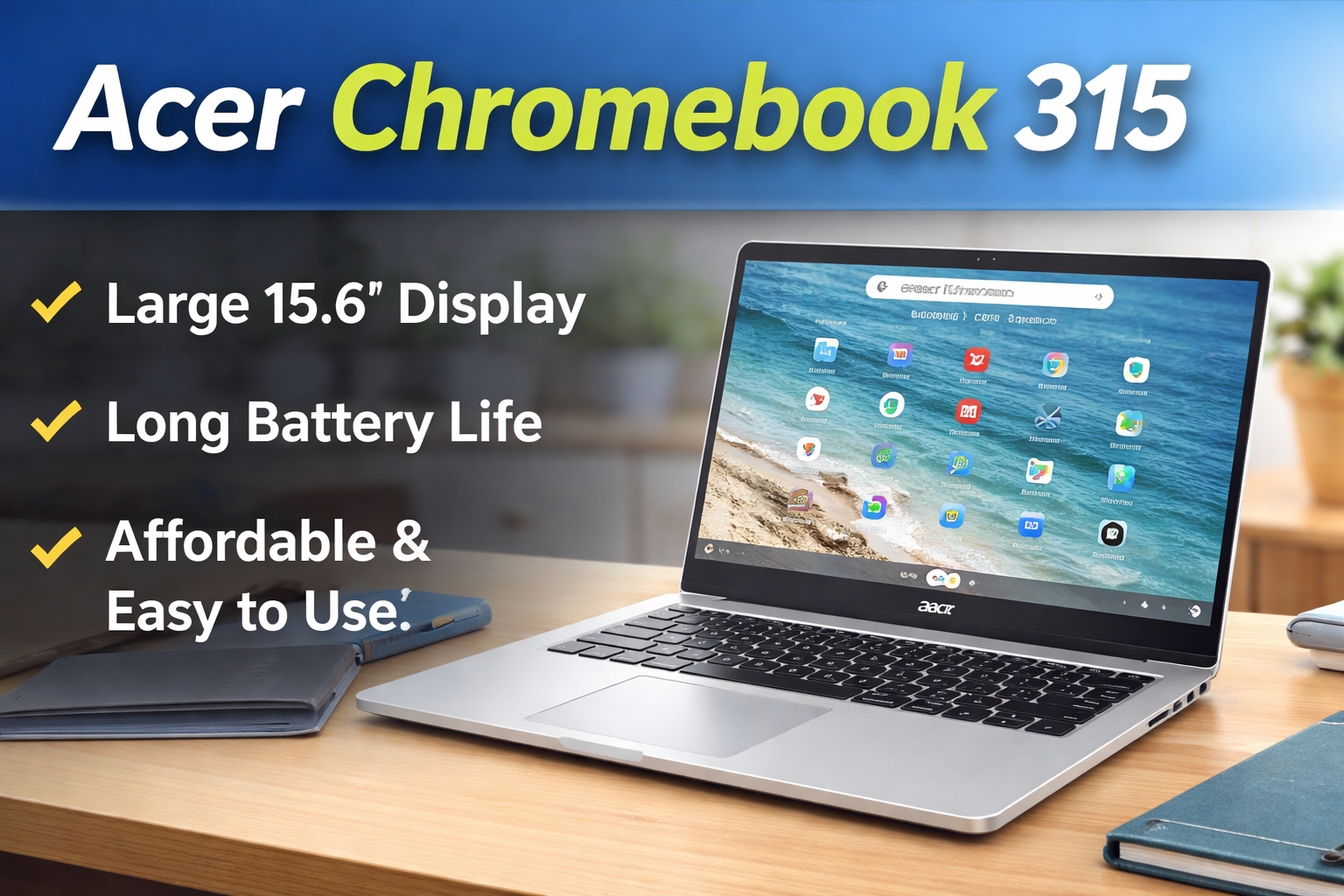
If you want a large-screen budget laptop mainly for study, browsing, and daily work, the acer chromebook 315 is a very practical option. It is not a high-performance machine, but it focuses on comfort, battery life, and simplicity. For beginners, students, and office users who mostly use the internet, this Chromebook can be a smart purchase.
Below is a complete and easy explanation so you clearly understand what this laptop can and cannot do.
Overview of Acer Chromebook 315
The acer chromebook 315 is a budget Chromebook from Acer that runs on ChromeOS. Unlike Windows laptops, ChromeOS is lightweight and works best with internet-based tasks like Google Docs, YouTube, Gmail, and online classes.
This device is especially suitable for:
• Students
• Online learning
• Basic office work
• Web browsing
• Video streaming
Main specifications:
• 15.6-inch display
• Intel Celeron processor
• 4GB or 8GB RAM options
• eMMC storage
• ChromeOS operating system
The biggest advantage here is the large display at a low price.
Design and Build Quality
The acer chromebook 315 has a simple and clean design. It is made of plastic, but the build feels solid for a budget laptop. It is not a premium metal body, yet it is durable enough for daily use.
Because of the 15.6-inch screen, it is slightly bigger than typical Chromebooks. However, it is still lightweight enough to carry to school or office.
The keyboard is comfortable and quiet, which is good for typing assignments and documents. The trackpad is smooth and responsive.
Ports available:
• USB-C ports
• USB-A ports
• MicroSD card slot
• Headphone jack
You will not need many adapters, which is helpful for beginners.
Display Quality of Acer Chromebook 315
One of the main reasons people buy the acer chromebook 315 is the big screen. It comes with a 15.6-inch Full HD display. This makes a noticeable difference compared to smaller 11-inch or 13-inch Chromebooks.
Benefits of the large display:
• Comfortable reading
• Better for online classes
• Easier multitasking
• Enjoyable movie watching
Colors are decent and brightness is acceptable for indoor use. It is not meant for professional photo editing, but for YouTube, Netflix, and browsing, it performs well.
Performance of Acer Chromebook 315
The acer chromebook 315 uses an Intel Celeron processor. On a Windows laptop, this processor may feel slow, but ChromeOS is optimized and lightweight. Because of that, the laptop works smoothly for normal tasks.
You can easily do:
• Google Docs and Sheets
• Web browsing with multiple tabs
• Email and Zoom classes
• YouTube and streaming apps
• Android apps from Play Store
However, this is not for heavy software like video editing or advanced design tools.
The system boots in seconds and updates automatically, which is very beginner-friendly.
Gaming Experience on Acer Chromebook 315
The acer chromebook 315 is not a gaming laptop, but it still supports casual gaming.
You can play:
• Play Store Android games
• Web browser games
• Cloud gaming services (with good internet)
Games like Subway Surfers, Clash of Clans, and light racing games run smoothly. Heavy PC games are not supported because there is no dedicated graphics card.
If you plan long gaming sessions or heavy usage, using a simple gaming laptop cooling pad can improve airflow and keep the bottom surface cooler, especially in warm environments.
Cooling and Heat Management
This Chromebook has low power hardware, so it does not produce much heat. Most of the time it stays cool and silent.
For better cooling:
• Use on a table or desk
• Avoid beds or pillows
• A budget cooling pad can help during summer use
Because ChromeOS is efficient, overheating is rarely a problem.
Battery Life
Battery backup is a strong point of the acer chromebook 315.
You can expect:
• Around 10 to 12 hours of usage
• Full day of classes or office work
This means you can carry it without charger anxiety. For students, this is very important.
It also charges via USB-C, which is convenient.
Pros and Cons of Acer Chromebook 315
Pros:
• Large 15.6-inch display
• Excellent battery life
• Easy to use for beginners
• Affordable price
• Fast boot and automatic updates
Cons:
• Not suitable for heavy software
• Not for high-end gaming
• Average speakers
Final Verdict
The acer chromebook 315 is a practical laptop designed for everyday users. It focuses on comfort, simplicity, and long battery life rather than power. For students, teachers, writers, and office users who mainly work online, it performs reliably.
It is not a replacement for a gaming laptop or video editing machine, but it does exactly what a Chromebook should do — fast browsing, online work, and entertainment without complications.
With a large screen, stable performance, and all-day battery, the acer chromebook 315 is a safe and sensible choice for anyone who wants a budget laptop that just works. Adding a basic cooling pad during extended use can further improve comfort, especially in warmer climates.
Overall, if your work depends mostly on the internet, the acer chromebook 315 offers strong value and long-term usability.