
|
Getting your Trinity Audio player ready...
|
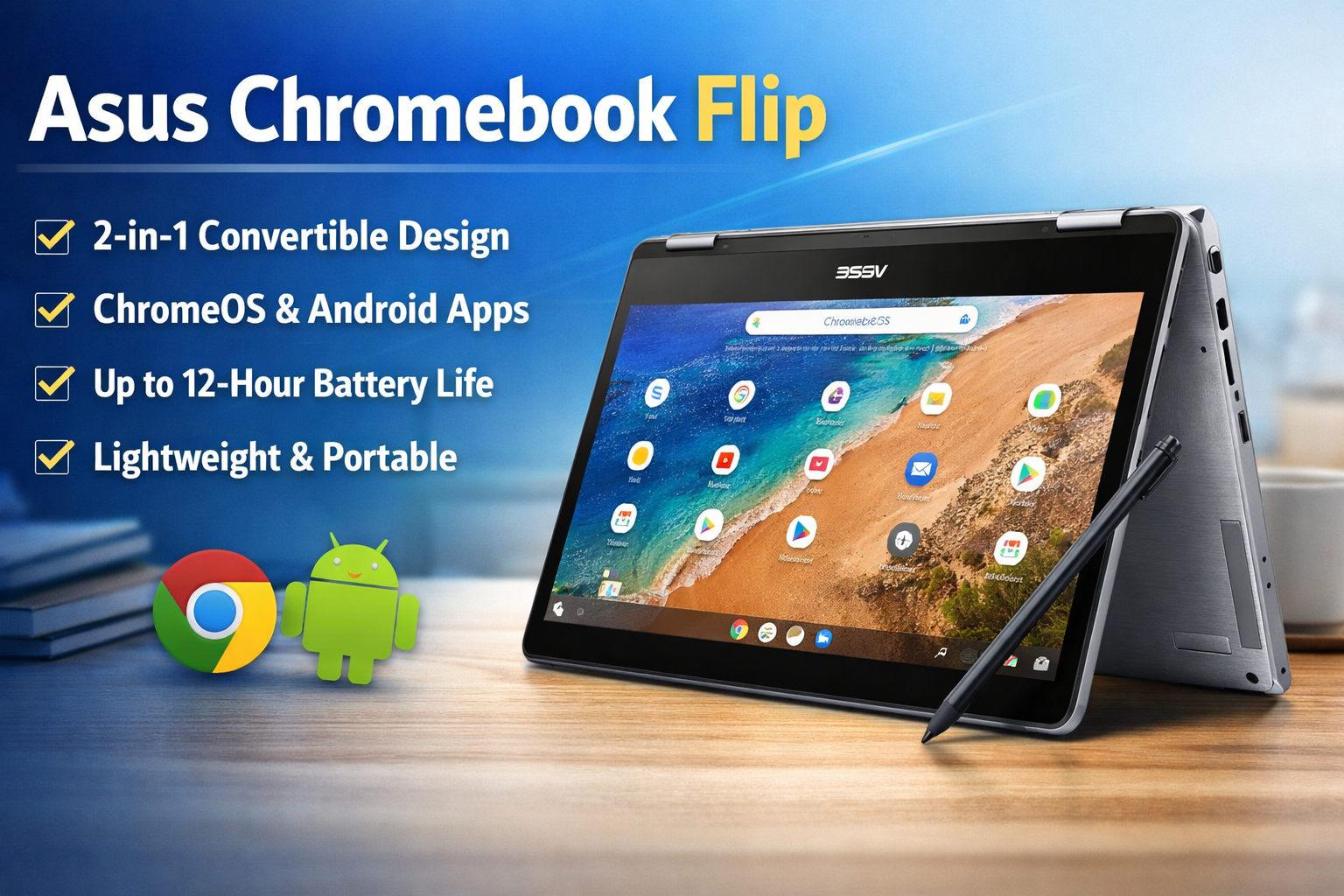
If you want a lightweight laptop for study, browsing, and daily work, the Asus Chromebook Flip is one of the most practical choices today. It is not a heavy Windows laptop and not just a basic tablet — it sits perfectly in between. Thanks to ChromeOS, long battery life, and a 360-degree hinge, this device is especially popular among students, beginners, bloggers, and remote workers.
In this guide, you’ll understand what the Asus Chromebook Flip offers, who should buy it, and whether it is worth your money.
Asus Chromebook Flip Design and Build Quality
The first thing you notice about the Asus Chromebook Flip is its premium look. Unlike many budget laptops made of plastic, it uses an aluminum chassis, making it strong yet lightweight.
The 360-degree hinge allows four different modes:
- Laptop mode (normal typing)
- Tablet mode (touch usage)
- Tent mode (watching videos)
- Stand mode (presentations & online classes)
It weighs around 1.2–1.5 kg depending on the model, which makes it easy to carry in a backpack. For students and travelers, portability is a big advantage.
Asus Chromebook Flip Display and Touchscreen Experience
The display is one of the best features of the Asus Chromebook Flip.
You usually get:
- 12.5-inch or 14-inch Full HD touchscreen
- IPS panel (wide viewing angles)
- Anti-glare coating
- Stylus support (on some variants)
The touchscreen works smoothly and feels more like using a tablet than a traditional laptop. Watching YouTube, attending online classes, or reading blogs is very comfortable. Colors look natural, and brightness is enough for indoor use.
Asus Chromebook Flip Performance and ChromeOS
Instead of Windows, the Asus Chromebook Flip runs on ChromeOS. This is a cloud-based operating system designed for speed and simplicity.
Typical specifications:
- Intel Celeron / Pentium / Core m3 (varies by model)
- 4GB or 8GB RAM
- 32GB–128GB eMMC storage
- Instant boot (starts in about 7–10 seconds)
ChromeOS is lightweight, so even modest hardware feels fast. You can easily:
- Browse multiple Chrome tabs
- Use Google Docs & Sheets
- Attend Zoom or Google Meet classes
- Run Android apps from Play Store
However, it is not made for heavy video editing or gaming.
Asus Chromebook Flip Battery Life
Battery performance is where the Asus Chromebook Flip really shines. On average, it offers:
8 to 12 hours of battery backup
For students, bloggers, and office users, this means a full day of use without carrying the charger. ChromeOS is optimized for power efficiency, so standby battery drain is also very low.
Asus Chromebook Flip Keyboard and Connectivity
The keyboard is comfortable for long typing sessions. Bloggers and writers especially will appreciate it. The touchpad is smooth and supports gestures.
Connectivity options include:
- USB Type-C ports
- USB Type-A port
- Wi-Fi and Bluetooth
- MicroSD card slot
- Headphone jack
You can also connect an external monitor using USB-C.
Who Should Buy Asus Chromebook Flip?
The Asus Chromebook Flip is ideal for:
Best for:
- Students
- Bloggers
- Online teachers
- Remote workers
- Beginners learning computers
Not ideal for:
- Video editors
- Heavy gamers
- Advanced software users (like AutoCAD or Adobe Premiere)
If your work is mostly internet-based, this laptop performs very well.
Pros and Cons of Asus Chromebook Flip
Pros
- Lightweight and portable
- Excellent battery life
- Fast boot time
- Touchscreen + tablet mode
- Secure and virus-resistant ChromeOS
Cons
- Limited offline software support
- Not suitable for heavy gaming
- Storage is lower than Windows laptops
Final Verdict – Is Asus Chromebook Flip Worth It?
The Asus Chromebook Flip is a smart and practical laptop for everyday users. It focuses on real needs: speed, simplicity, battery life, and portability. Instead of powerful hardware, it relies on efficient software — and that works surprisingly well.
If your daily tasks include browsing, writing, online classes, blogging, email, and streaming, this Chromebook is a very reliable option. It is easy to use, safe from most viruses, and requires almost no maintenance.
For beginners or students who want a dependable laptop without spending too much money, the Asus Chromebook Flip is definitely worth considering and can easily serve you for many years.