
|
Getting your Trinity Audio player ready...
|
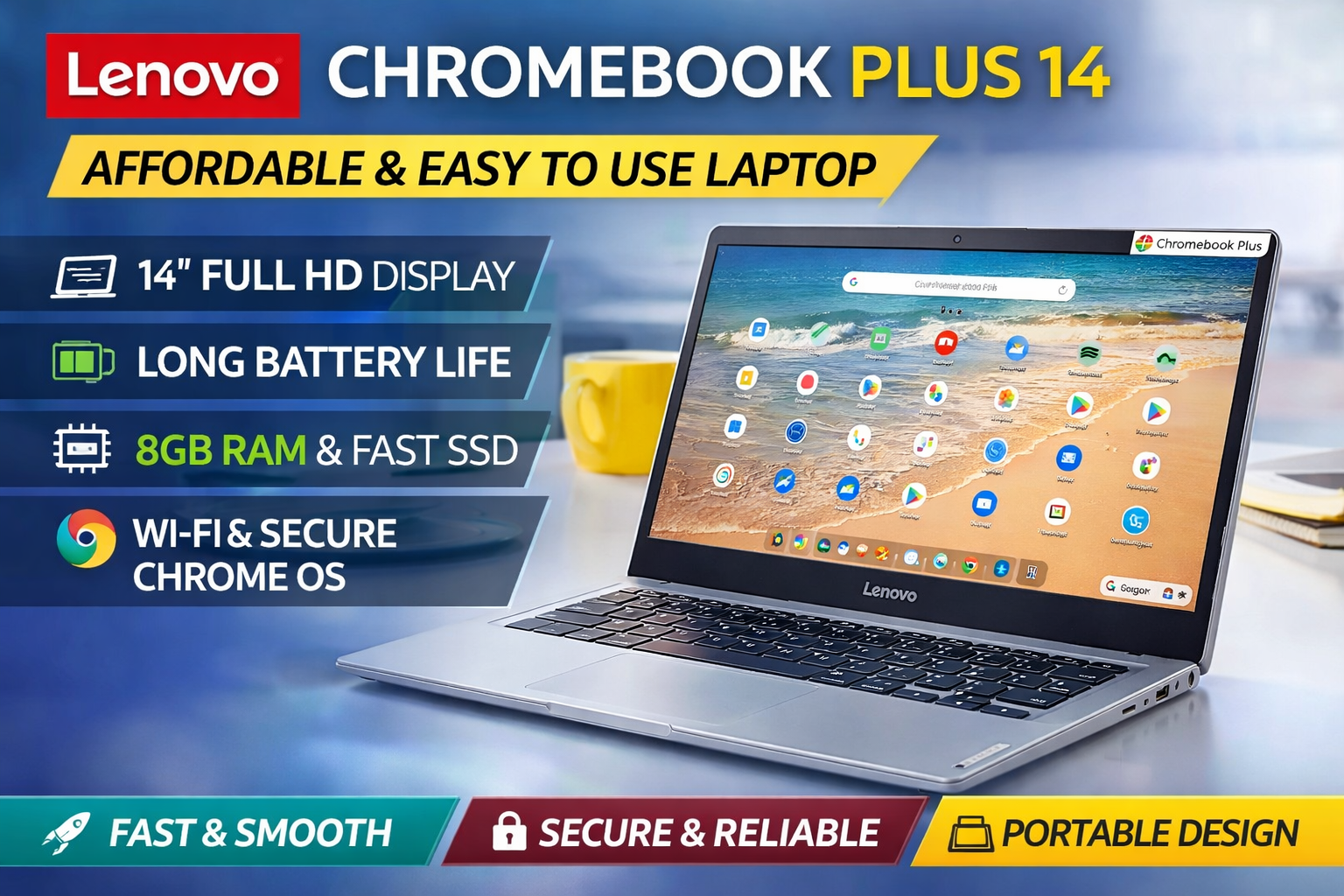
The Lenovo Chromebook Plus 14 is a modern ChromeOS laptop designed for students, remote workers, and everyday users who want speed, simplicity, and long battery life. It combines a lightweight design with reliable hardware and Google-powered software features. If you are looking for an affordable and easy-to-use laptop in 2026, the Lenovo Chromebook Plus 14 is worth considering. Below is a detailed and beginner-friendly guide to help you understand whether it fits your needs.
What is Lenovo Chromebook Plus 14?
- The Lenovo Chromebook Plus 14 is a 14-inch ChromeOS laptop built under Google’s Chromebook Plus category, which means it meets higher performance standards than regular Chromebooks.
- It offers faster processors, more RAM, and better storage compared to entry-level Chromebooks.
- It is designed for multitasking, online classes, office work, browsing, and light creative tasks.
- Because it runs on ChromeOS, it focuses on cloud-based productivity and Android app support.
Lenovo Chromebook Plus 14 Key Specifications
- 14-inch Full HD display (1920 × 1080 resolution)
- Modern Intel Core i3 or similar processor (varies by model)
- 8GB RAM (minimum Chromebook Plus standard)
- 128GB or higher SSD storage
- Wi-Fi 6 and Bluetooth connectivity
- USB-C and USB-A ports
- ChromeOS with automatic updates
- Lightweight design around 1.4–1.5 kg
These specifications make the Lenovo Chromebook Plus 14 smooth for daily tasks like Google Docs, Zoom meetings, web browsing, and streaming.
Design and Build Quality of Lenovo Chromebook Plus 14
- The Lenovo Chromebook Plus 14 features a clean and minimal design.
- It has a slim profile that makes it easy to carry in a backpack.
- The build quality feels solid for its price range.
- The keyboard is comfortable for long typing sessions.
- The trackpad is responsive and accurate.
This laptop is ideal for students who carry their device daily or professionals working remotely.
Display and Visual Experience on Lenovo Chromebook Plus 14
- The 14-inch Full HD display delivers clear and sharp visuals.
- Colors are balanced and good for watching videos and attending online meetings.
- The anti-glare panel helps reduce reflections.
- The screen size offers a good balance between portability and productivity.
While it is not designed for professional video editing, it performs well for regular content consumption and office tasks.
Performance of Lenovo Chromebook Plus 14 in Daily Use
- The Lenovo Chromebook Plus 14 handles multiple Chrome tabs without lag.
- It runs Google Workspace apps smoothly.
- Android apps from the Play Store work efficiently.
- It boots up in seconds and wakes instantly from sleep mode.
ChromeOS is lightweight, which means you get smooth performance even with moderate hardware. This makes it a reliable choice for beginners and non-technical users.
Battery Life and Portability
- Battery life can last up to 10–12 hours depending on usage.
- It easily covers a full day of classes or office work.
- Fast charging support allows quick power top-ups.
- The lightweight design improves portability.
For travelers and students, battery life is one of the strongest advantages of the Lenovo Chromebook Plus 14.
Software and Security Features
- ChromeOS receives automatic security updates from Google.
- Built-in virus protection reduces security risks.
- Google AI-powered tools enhance productivity.
- Cloud storage integration with Google Drive makes file management simple.
Because of these security features, the Lenovo Chromebook Plus 14 is safer than many traditional laptops for everyday users.
Who Should Buy Lenovo Chromebook Plus 14?
- Students attending online classes.
- Teachers using Google Classroom.
- Remote workers handling emails and documents.
- Casual users who mainly browse, stream, and use office apps.
- Parents looking for a secure laptop for children.
Who Should Avoid Lenovo Chromebook Plus 14?
- Heavy gamers.
- Professional video editors.
- Users who rely on advanced Windows-only software.
Pros and Cons of Lenovo Chromebook Plus 14
Pros:
- Fast and smooth ChromeOS experience
- Long battery life
- Lightweight and portable
- Secure and easy to use
- Good display quality
Cons:
- Limited offline software support
- Not suitable for heavy gaming
- Storage is lower than high-end laptops
Final Verdict on Lenovo Chromebook Plus 14
The Lenovo Chromebook Plus 14 is a practical, affordable, and user-friendly laptop built for everyday productivity. It is not meant to replace high-performance gaming or editing machines, but it excels in web-based tasks, online learning, and remote work. With solid performance, strong battery life, and ChromeOS security, it offers excellent value for money. If your needs focus on browsing, writing, streaming, and cloud-based work, the Lenovo Chromebook Plus 14 is a smart and future-proof choice for long-term use.