
|
Getting your Trinity Audio player ready...
|
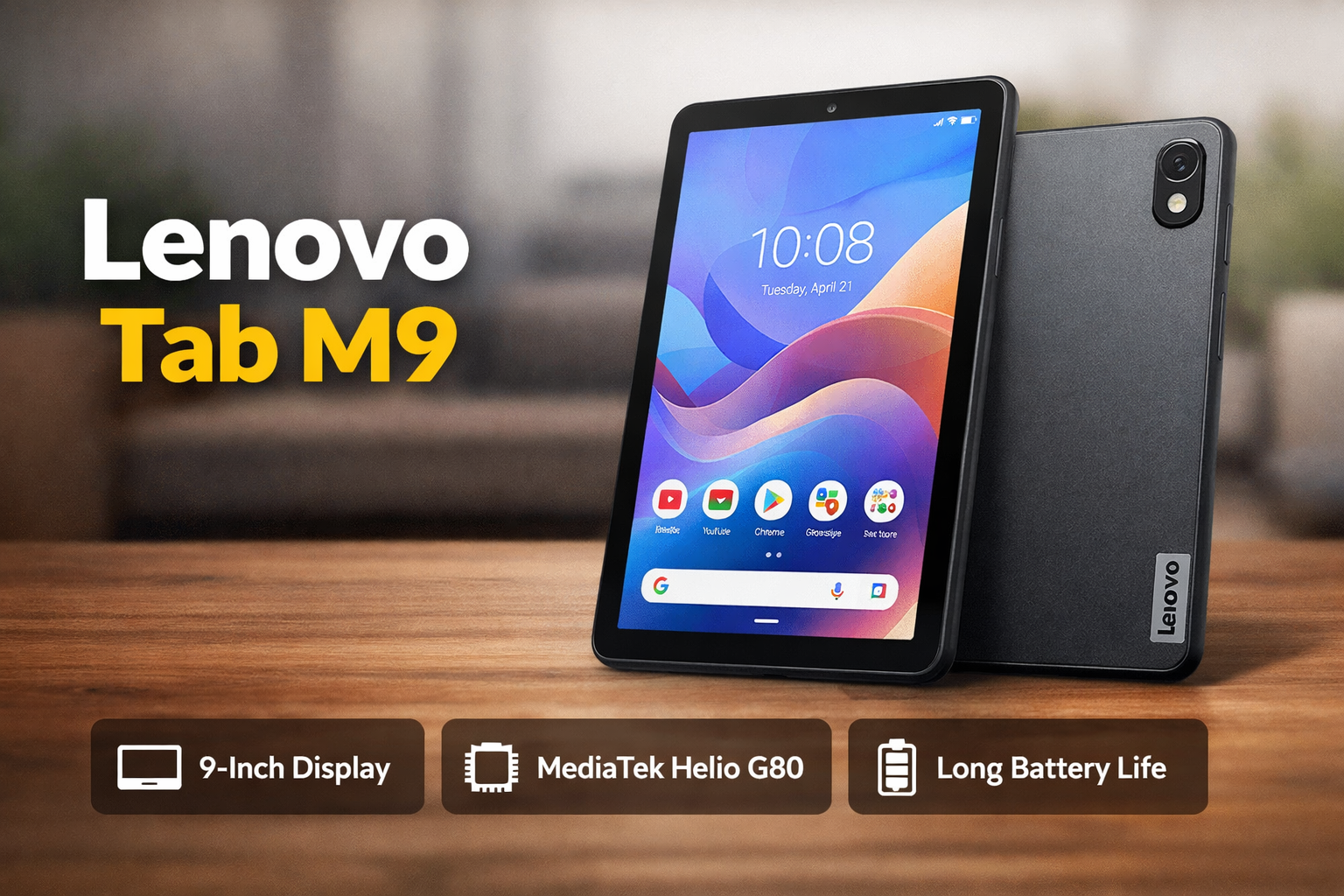
If you are looking for a budget-friendly tablet for daily use, the Lenovo Tab M9 is one of the most popular options in India right now. It is designed for students, casual users, and anyone who wants a simple device for entertainment, reading, and light work.
In this detailed review, we will break down everything you need to know about the Lenovo Tab M9 in simple and clear language.
Lenovo Tab M9 Overview
The Lenovo Tab M9 is a compact Android tablet that focuses on affordability and ease of use. It is not a high-end device, but it delivers a balanced experience for its price.
Key highlights:
- 9-inch HD display
- MediaTek Helio G80 processor
- Lightweight and portable design
- Long battery life
- Android-based clean UI
This tablet is best suited for:
- Students
- Casual users
- Online classes and video streaming
Lenovo Tab M9 Design and Build Quality
The Lenovo Tab M9 design is simple but premium for its price range.
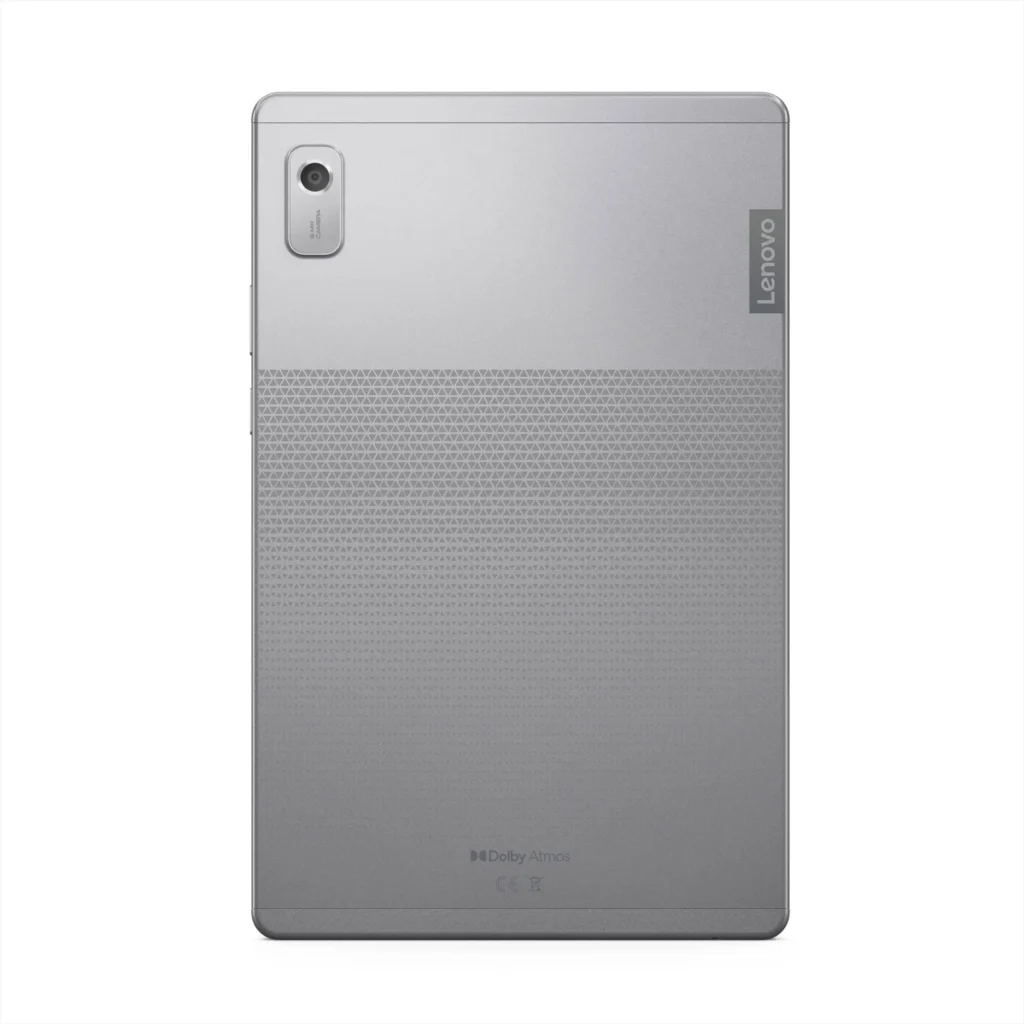
- Slim and lightweight body
- Metal back panel gives a solid feel
- Comfortable to hold with one hand
- Compact size makes it travel-friendly
Even though it is a budget tablet, Lenovo has done a good job with build quality. It doesn’t feel cheap, which is a big plus.
Lenovo Tab M9 Display Quality
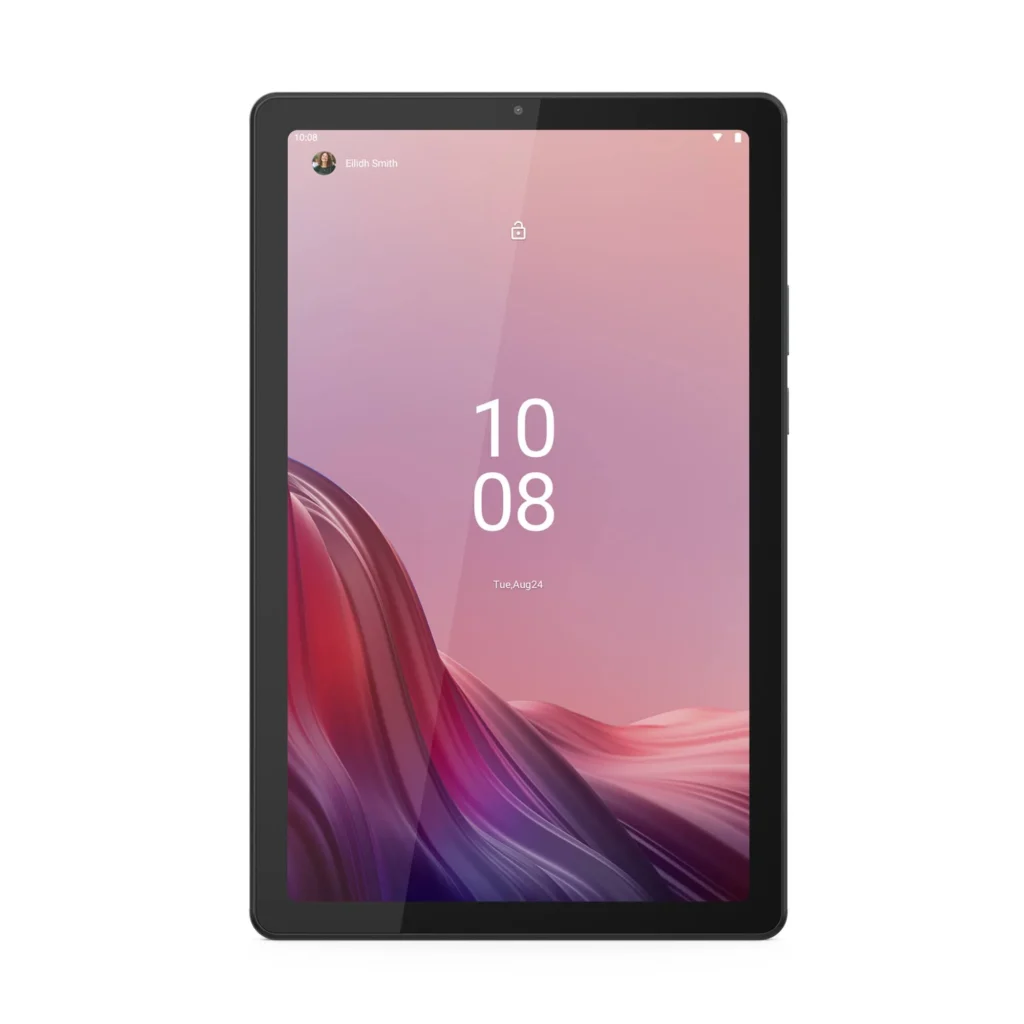
The Lenovo Tab M9 display comes with a 9-inch HD (1340 × 800) IPS panel.
What you get:
- Decent brightness for indoor use
- Good color reproduction for videos
- Wide viewing angles
Limitations:
- Not Full HD
- Outdoor visibility is average
For watching YouTube, Netflix, and attending online classes, the display is good enough. But if you want sharp visuals for heavy media consumption, you may feel the resolution is slightly low.
Lenovo Tab M9 Performance
The Lenovo Tab M9 performance is powered by the MediaTek Helio G80 processor.
Performance breakdown:
- Smooth for daily tasks
- Handles apps like Chrome, YouTube, WhatsApp easily
- Good for light multitasking
RAM & Storage options:
- 3GB / 4GB RAM
- 32GB / 64GB storage (expandable)
This tablet is not built for heavy performance, but for normal use, it works smoothly without major lag.
Lenovo Tab M9 Gaming Experience
The Lenovo Tab M9 gaming experience is suitable for casual gamers.
You can play:
- BGMI (low to medium settings)
- Free Fire
- Subway Surfers, Candy Crush
What to expect:
- Smooth gameplay on low settings
- Occasional frame drops on heavy games
- Not suitable for high-end gaming
If gaming is your main priority, this tablet may not be the best choice. But for casual gaming, it does the job.
Lenovo Tab M9 Cooling and Heat Management
The Lenovo Tab M9 cooling system is basic but effective for its category.
- No advanced cooling system
- Slight heating during long gaming sessions
- Stays cool during normal use
For everyday tasks like browsing or watching videos, you won’t face heating issues.
Lenovo Tab M9 Battery Life
The Lenovo Tab M9 battery life is one of its strongest points.
Battery details:
- 5100mAh battery
- Up to 10–12 hours of normal usage
Real-life usage:
- Full day usage for students
- Long video playback time
- Good standby performance
Charging is a bit slow, but considering the price, battery backup is impressive.
Lenovo Tab M9 Software Experience
The Lenovo Tab M9 software runs on Android with a near-clean UI.
Advantages:
- No heavy bloatware
- Easy to use interface
- Smooth experience for beginners
It also includes:
- Reading mode
- Eye protection features
- Basic parental controls
This makes it ideal for kids and students.
Lenovo Tab M9 Pros and Cons
Pros:
- Affordable price
- Lightweight and portable
- Good battery life
- Clean and simple UI
- Decent build quality
Cons:
- HD display only (not Full HD)
- Average performance for heavy tasks
- Slow charging
- Not for high-end gaming
Final Verdict – Should You Buy Lenovo Tab M9?
The Lenovo Tab M9 is a great budget tablet for basic use. It is not made for power users, but it delivers excellent value for money.
You should buy it if:
- You need a tablet for online classes
- You watch videos and browse the internet
- You want a lightweight and affordable device
You should avoid it if:
- You want high-performance gaming
- You need a Full HD or premium display
- You run heavy apps regularly