
|
Getting your Trinity Audio player ready...
|
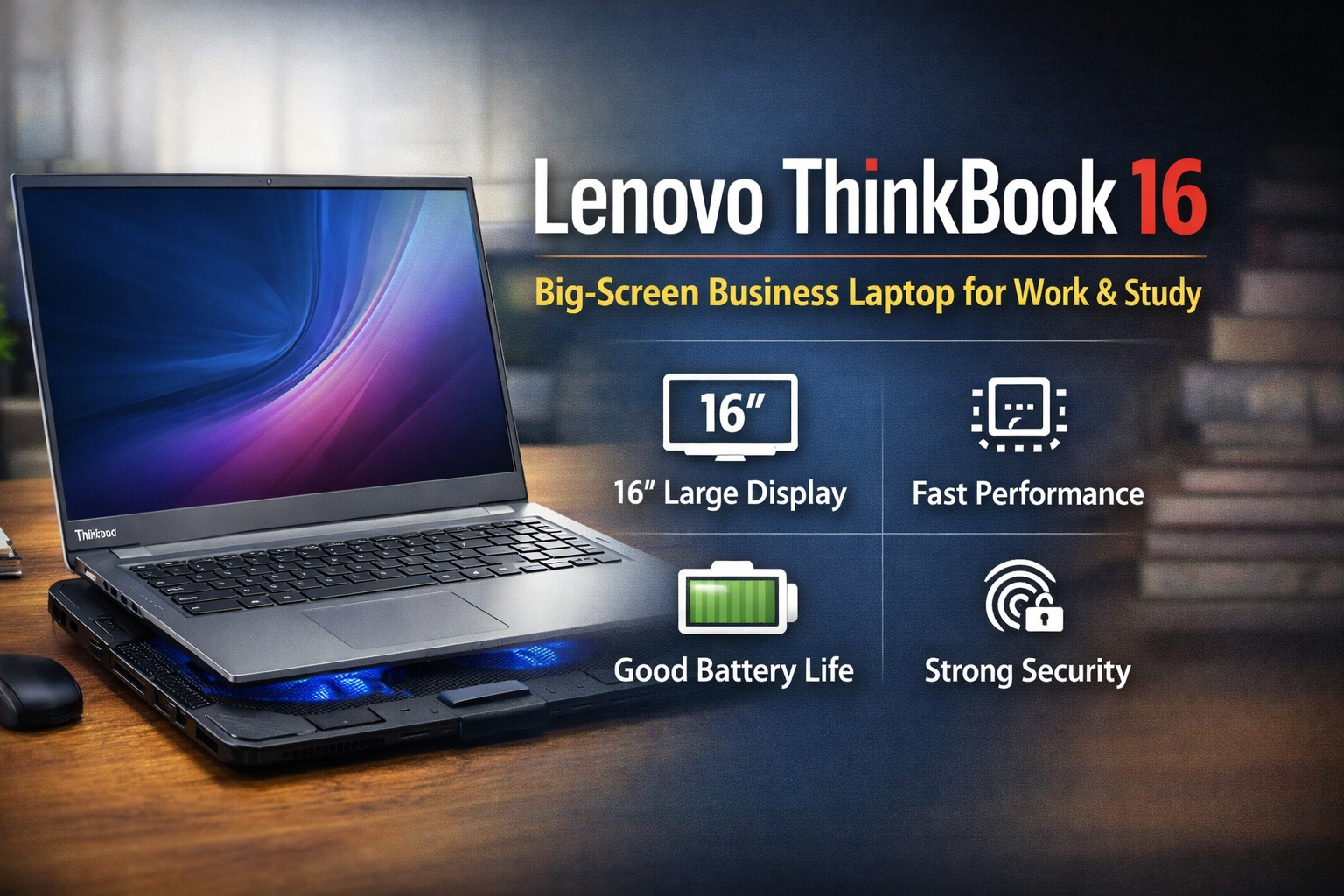
The lenovo thinkbook 16 is a business-class laptop designed for people who want a large display, smooth performance, and reliable daily usage. It sits between budget laptops and premium ThinkPads, offering modern features at a more affordable price. For students, office users, freelancers, and bloggers, it is a very balanced machine.
In this guide, you will clearly understand its performance, build quality, battery life, and who should actually buy it.
Design and Build Quality of Lenovo ThinkBook 16
The lenovo thinkbook 16 looks modern and professional. Unlike flashy gaming laptops, it has a clean aluminum finish that suits office environments, classrooms, and home setups.
Key design features:
• Slim bezels around the screen
• Premium metal top cover
• Lightweight for a 16-inch laptop
• Comfortable hinge and strong build
Even though it has a big screen, the laptop is still easy to carry in a backpack. The build quality feels sturdy, and it does not flex easily while typing.
Display Experience on Lenovo ThinkBook 16
One of the biggest advantages of the lenovo thinkbook 16 is the 16-inch Full HD+ display. The larger screen is extremely helpful for productivity.
Benefits of the large display:
• More workspace for multitasking
• Better experience for Excel sheets
• Easier video editing timeline viewing
• Comfortable reading and writing
The anti-glare panel reduces eye strain. If you work long hours on documents, blogging, coding, or online classes, you will immediately notice the difference compared to a 14-inch laptop.
Performance and Everyday Speed
The lenovo thinkbook 16 usually comes with Intel Core i5 / i7 or AMD Ryzen 5 / Ryzen 7 processors and fast SSD storage. This combination makes the laptop responsive and smooth.
Daily tasks it handles easily:
• MS Office work
• Web browsing with many tabs
• Zoom meetings and online classes
• Blogging and WordPress editing
• Light photo editing
• YouTube streaming
The SSD ensures fast boot time and quick app opening. For normal users, it feels fast and lag-free.
Important note: this laptop is not designed for heavy gaming. Casual games like Valorant or older titles can run on low settings, but modern AAA games are not suitable.
Keyboard and Typing Comfort
Typing comfort is a strong point of the lenovo thinkbook 16. The keyboard is full-size and includes a number pad, which is very useful for accountants and Excel users.
You get:
• Soft and quiet keys
• Good key spacing
• Backlit keyboard (in many variants)
• Large and accurate touchpad
If you are a writer, student, or blogger, long typing sessions will feel comfortable.
Battery Life and Charging
Battery performance is good for a large-screen laptop. Under normal use, the lenovo thinkbook 16 lasts most of the day.
Typical battery usage:
• Around 6–9 hours of mixed work
• Fast charging support
• Reliable for office and college use
You can easily complete classes or work sessions without constantly searching for a charger.
Cooling and Heat Control
Because of the large screen and slim design, heat management is important. During normal work, the laptop stays cool. However, during heavy multitasking, software installation, or long video calls, it can warm slightly.
Using a cooling pad can improve performance stability.
Why a cooling pad helps:
• Improves airflow under the laptop
• Maintains processor speed
• Prevents overheating in summer
• Increases laptop lifespan
Even though cooling pads are commonly used for gaming laptops, they are very useful for the lenovo thinkbook 16, especially if you work for many hours daily.
Ports and Connectivity
Connectivity is one area where the lenovo thinkbook 16 performs very well. It offers enough ports so you usually don’t need a USB hub.
Available ports:
• USB-C port
• Multiple USB-A ports
• HDMI port
• Headphone jack
• Ethernet (in many models)
This makes it perfect for office setups, projectors, and external monitors.
Security and Extra Features
Lenovo includes helpful security options, making the laptop safe for personal and professional data.
Security features:
• Fingerprint reader in power button
• Webcam privacy shutter
• TPM security chip
These features are especially useful for office workers and remote employees.
Who Should Buy Lenovo ThinkBook 16
The lenovo thinkbook 16 is ideal for:
• Students
• Bloggers and content writers
• Office professionals
• Freelancers
• Business users
• Online teachers
You should avoid it if your main goal is high-end gaming or heavy 3D editing.
Final Verdict on Lenovo ThinkBook 16
The lenovo thinkbook 16 is a well-balanced laptop that focuses on productivity, screen size, and comfort rather than gaming power. It offers a large display, good performance, comfortable keyboard, and useful security features at a reasonable price.
Pros:
• Large and comfortable display
• Smooth everyday performance
• Good keyboard with number pad
• Solid build quality
• Useful connectivity options
Cons:
• Not for heavy gaming
• Average graphics performance
Overall, it is a smart choice for work and study. If you want a dependable laptop for long-term daily use, the lenovo thinkbook 16 is a safe and practical investment.