
|
Getting your Trinity Audio player ready...
|
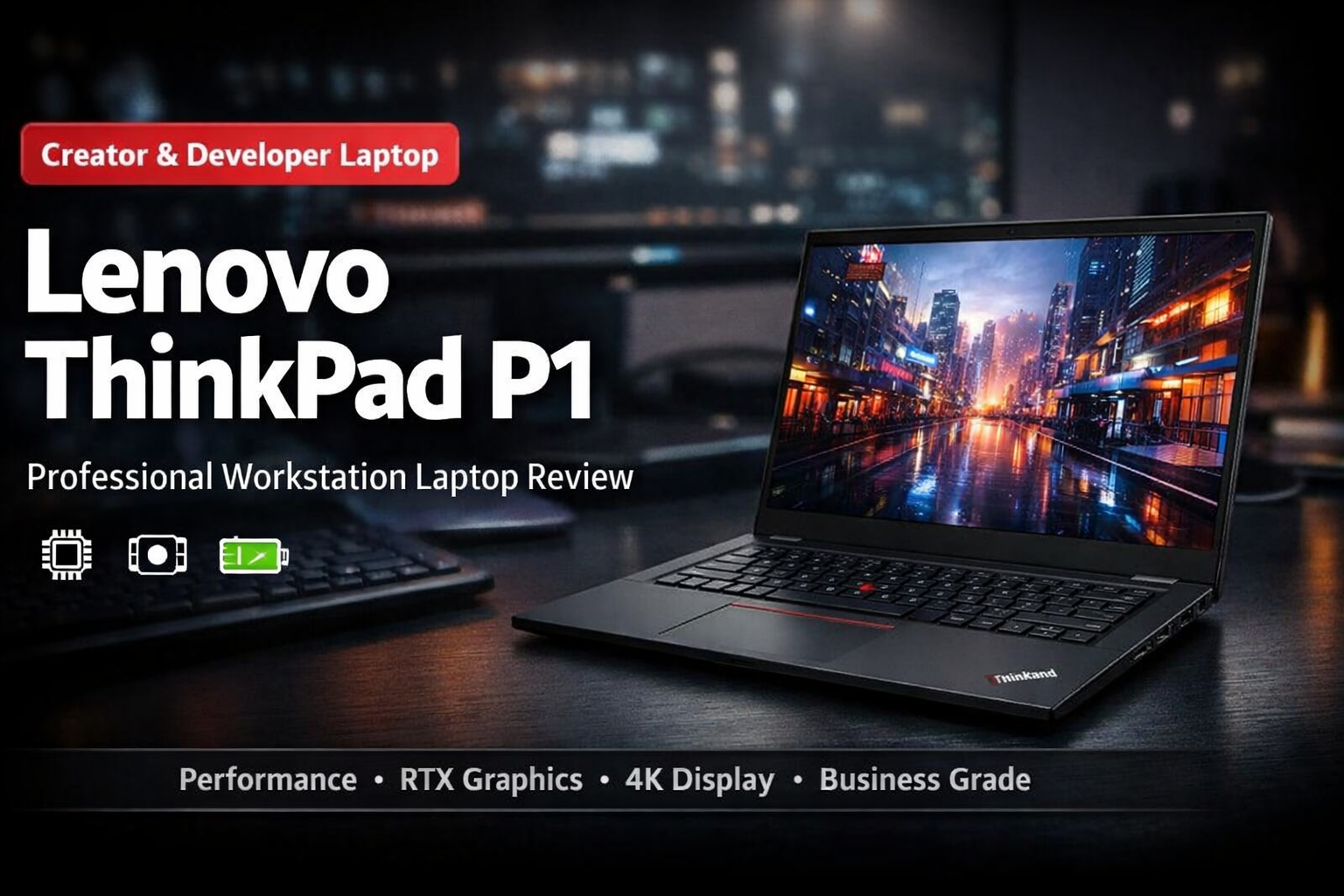
If you want a laptop that feels like a normal notebook but works like a desktop workstation, the lenovo thinkpad p1 is one of the best options available today. It is designed for professionals who need serious performance for tasks like video editing, programming, CAD design, architecture work, and 3D rendering.
Unlike typical consumer laptops, this machine focuses on reliability, durability, and long working hours. Yet, it still stays slim and portable, which makes it very attractive for students and creators as well.
Design and Build Quality of Lenovo ThinkPad P1
The first thing you notice about the lenovo thinkpad p1 is its classic ThinkPad design. It looks simple, but it is extremely strong.
The laptop uses a carbon-fiber and magnesium alloy chassis. This is important because it makes the device both lightweight and durable. It also passes MIL-STD-810H military-grade durability testing. In simple words, it can survive travel, small drops, heat, and heavy daily use much better than normal laptops.
Key design highlights:
• Weight around 1.8 kg (light for a workstation)
• Premium matte black finish
• Spill-resistant keyboard
• Strong metal hinges
• Very minimal flex on the keyboard deck
The ThinkPad keyboard is famous, and here it truly stands out. Typing is comfortable even for 8–10 hours of work.
Display Quality in Lenovo ThinkPad P1
The lenovo thinkpad p1 offers one of the best displays in a business laptop. It comes in multiple options, including high-resolution panels suitable for creators.
You can get:
• Full HD+ IPS display
• 2.5K display
• 4K UHD display
• OLED touch display (in higher variants)
The color accuracy is excellent, which is very useful for:
• Photo editing
• Graphic design
• Video editing
• UI/UX work
The screen is bright and anti-glare, so you can comfortably work even near windows or bright rooms.
Performance and Hardware
This is where the lenovo thinkpad p1 becomes special. It is not a regular laptop — it is a mobile workstation.
It is powered by Intel Core i7 or Core i9 H-series processors, which are high-performance chips. You also get professional graphics cards like NVIDIA RTX A-series GPUs (workstation GPUs, not gaming GPUs).
Typical specifications:
• Intel Core i7 / i9 processor
• Up to 64GB RAM
• Up to 4TB SSD storage
• NVIDIA RTX A1000 / A2000 professional GPU
This combination makes it excellent for:
• AutoCAD
• SolidWorks
• Adobe Premiere Pro
• Blender
• Android Studio development
• Heavy multitasking
Even opening large files or running multiple programs at once feels smooth
Thermal Performance and Cooling Tips
High power means more heat. The lenovo thinkpad p1 has an advanced dual-fan cooling system, but during heavy workloads like rendering or exporting videos, temperatures can increase.
To keep performance stable, using a cooling pad is very helpful.
Recommended cooling pad features:
• 4 or 5 fan cooling pad
• Metal mesh surface
• Adjustable height
• USB powered
Good cooling helps:
• Prevent thermal throttling
• Maintain high performance
• Increase laptop lifespan
• Protect battery health
This is especially useful if you also play occasional games or render 4K videos
Keyboard, Trackpad and Ports
The keyboard is one of the biggest strengths of the lenovo thinkpad p1. Many programmers and writers actually buy ThinkPads only for typing comfort.
You get:
• Deep key travel
• Backlit keyboard
• Dedicated TrackPoint (red dot)
• Large precision trackpad
Ports are also very important for professionals, and this laptop does not disappoint.
Available ports:
• Thunderbolt 4
• USB-A ports
• HDMI
• SD card reader
• Headphone jack
You can connect monitors, drawing tablets, SSD drives, and projectors without needing too many adapters.
Battery Life and Security
Despite powerful hardware, the lenovo thinkpad p1 gives good battery backup for office work. You can expect around 6–9 hours on normal usage like browsing, coding, and documents.
Security features make it business-grade:
• Fingerprint reader
• IR face unlock
• TPM 2.0 encryption chip
• Webcam privacy shutter
This makes it suitable for office professionals and companies handling sensitive data.
Is Lenovo ThinkPad P1 Good for Gaming?
The lenovo thinkpad p1 is not a gaming laptop, but it can run many games because of its RTX GPU.
You can comfortably play:
• GTA V
• Valorant
• CS2
• Fortnite (medium-high settings)
However, it is built for work first. Long gaming sessions are possible, but again, a cooling pad is recommended to keep temperatures low.
Final Verdict
The lenovo thinkpad p1 is a premium workstation laptop made for serious users. It is perfect for creators, developers, engineers, architects, and professionals who need performance and reliability every day.
You should consider this laptop if you want:
• Desktop-level performance in a portable body
• Excellent keyboard and display
• Professional graphics capability
• Long-term durability
It is expensive, but it is an investment device. Instead of upgrading every two years, this laptop can easily serve you for 5+ years with proper care and cooling.
For anyone who wants a powerful, dependable, and professional machine, the lenovo thinkpad p1 is one of the most trustworthy workstation laptops you can buy today.